Introduction
The motherboard serves as the critical link in your computer system, integrating all hardware components to facilitate seamless communication. Its role is paramount in shaping your computer’s performance and future upgrade potential. Therefore, selecting the right motherboard transcends mere cost; it encompasses understanding its specifications and ensuring they meet your needs. This guide explores what elements make a motherboard good, examining compatibility, connectivity, build quality, and advanced features to arm you with knowledge for an informed decision.
Key Features of a Good Motherboard
Let us start by discussing the fundamental features that constitute a good motherboard, specifically focusing on compatibility. This serves as a foundation that impacts not only current performance but also future-proofing your system.
CPU Socket Types and Compatibility
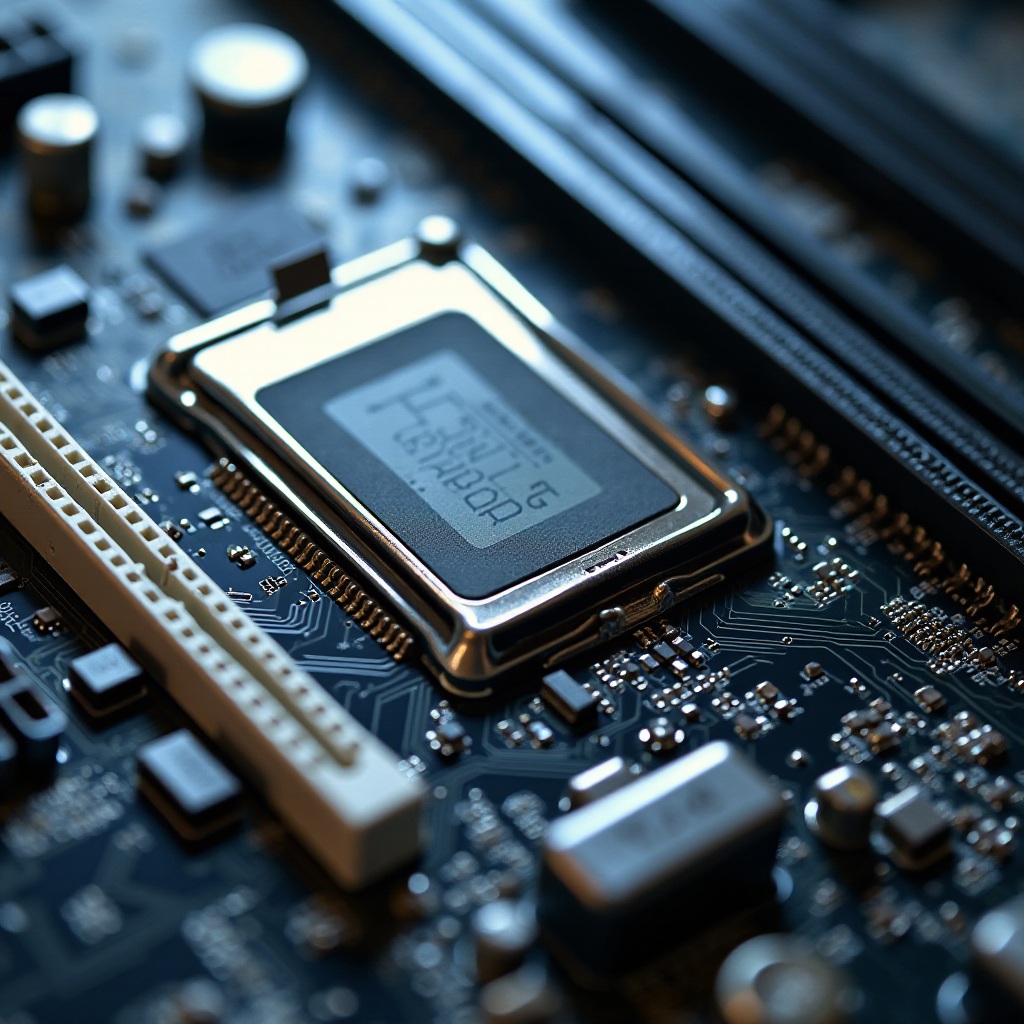
The CPU socket is a crucial aspect when buying a motherboard. It defines which processor models you can install. Typically, Intel uses LGA (Land Grid Array) while AMD relies on AM (Advanced Micro Devices) sockets. Each socket type aligns with specific CPU ranges. Thus, it’s essential to verify that your processor is compatible with the motherboard socket prior to purchasing to avoid compatibility issues.
Memory Support and Future-Proofing
Additionally, the motherboard’s capability to support memory cannot be overlooked. A quality motherboard should accommodate substantial RAM at optimal speeds. Examine the motherboard’s maximum RAM capacity and type, such as DDR4 or DDR5. To future-proof your setup, opt for a motherboard capable of supporting the latest RAM standards, ensuring your system remains relevant for years.
Connectivity and Expansion Options
After establishing component compatibility, it’s vital to consider the motherboard’s connectivity and expansion options. These features determine your computer’s ability to incorporate additional components, enhancing its functionality.
PCIe Slots and Their Uses
PCIe (Peripheral Component Interconnect Express) slots are integral for slotting in components like graphics cards, network cards, and additional ports. The number and type of PCIe slots vary across motherboards. For users engaged in gaming or graphic-intensive tasks, selecting a motherboard with multiple PCIe slots ensures room for potential future enhancements.
Essential Ports and Connectivity Standards
A high-quality motherboard should offer a diverse array of ports, including USB (especially USB-C), Thunderbolt, SATA, and M.2 connections for storage devices. The presence of these ports not only facilitates robust connectivity but also enhances system flexibility by allowing various device integrations without hassles.
Build Quality and Durability
Connectivity aside, the longevity and build quality of a motherboard significantly affect the overall system’s durability. A good motherboard must withstand the test of time and operation.
Heat Sinks and Advanced Cooling
Manufacturers integrate advanced cooling solutions like heat sinks in high-end motherboards to efficiently manage the heat produced by components. Efficient heat dissipation prevents overheating, consequently extending the lifespan of your motherboard and components, while ensuring consistent performance levels during intense workloads.
Quality Construction Materials
Durability is often a reflection of construction quality. Seek motherboards reinforced with solid capacitors and durable materials that endure rigorous computing activities. A robustly constructed motherboard resists the wear and tear of daily use, guaranteeing reliable operation over its intended life span.
Advanced Features and User Experience
Next, let’s explore advanced features enhancing the user’s experience. A finely tuned BIOS and overclocking capabilities provide noticeable performance enhancements and user convenience.
Overclocking Capabilities
Overclocking unleashes your hardware’s potential by enabling components to surpass their default settings. Motherboards featuring robust VRMs (Voltage Regulator Modules) and intuitive BIOS facilitate efficient, safe overclocking, providing users with greater control over their system’s performance.
User-Friendly BIOS and Interface
An intuitive BIOS interface is vital, catering to both novices and tech enthusiasts. A user-friendly BIOS simplifies system management and configuration, often featuring graphical UEFI interfaces that allow users to adjust settings with ease, optimizing performance without complexity.
Price and Performance Balance
Understanding advanced user experiences leads us to the important consideration of price versus performance. This balance can heavily influence your buying decision.
Cost-Effective Features
High-end motherboards boast a plethora of features, but not all may be necessary for your needs. Identify essential features that you will utilize frequently to avoid overspending. Concentrate on value-driven features that align with your needs, avoiding unnecessary costs associated with underutilized high-end components.
Brand and Reputation Considerations
Brand reputation often correlates with quality and customer service. Established brands like ASUS, MSI, and Gigabyte are well-regarded for their dependable products and strong warranties. Selecting a reputable brand ensures reliability, peace of mind, and support when needed.
Conclusion
Selecting the right motherboard lays the groundwork for a high-performance, reliable computer system. Seek a motherboard that aligns with your current hardware, provides for future upgrades, and offers ample connectivity. Prioritize durable construction alongside user-friendly features to elevate your computing experience. Equip yourself with knowledge and align these features with your specific needs and budget to make a well-informed, satisfying purchase.
Frequently Asked Questions
What motherboard features are most important for gaming?
Gaming requires a motherboard with multiple PCIe slots, high RAM support, and advanced cooling solutions to efficiently handle heavy graphics and processing tasks.
How do I choose a motherboard for future upgrades?
Select a motherboard with a modern socket type, ample RAM capacity, and various expansion slots to ensure you can easily upgrade components as technology advances.
Are expensive motherboards always better?
Not necessarily. While expensive motherboards offer more features, evaluate your actual requirements. A mid-range board might offer everything you need at a fraction of the cost.