
Introduction
Liquid nitrogen cooling has become a hallmark for enthusiasts and professionals eager to push their PC performance to the max. The ability to drastically reduce temperatures opens up a world of possibilities for speed and efficiency, ensuring that systems operate at peak performance. This guide dives into the intricacies of using liquid nitrogen for cooling, offering insights into its process, benefits, and everything you need to know to get started safely and effectively.
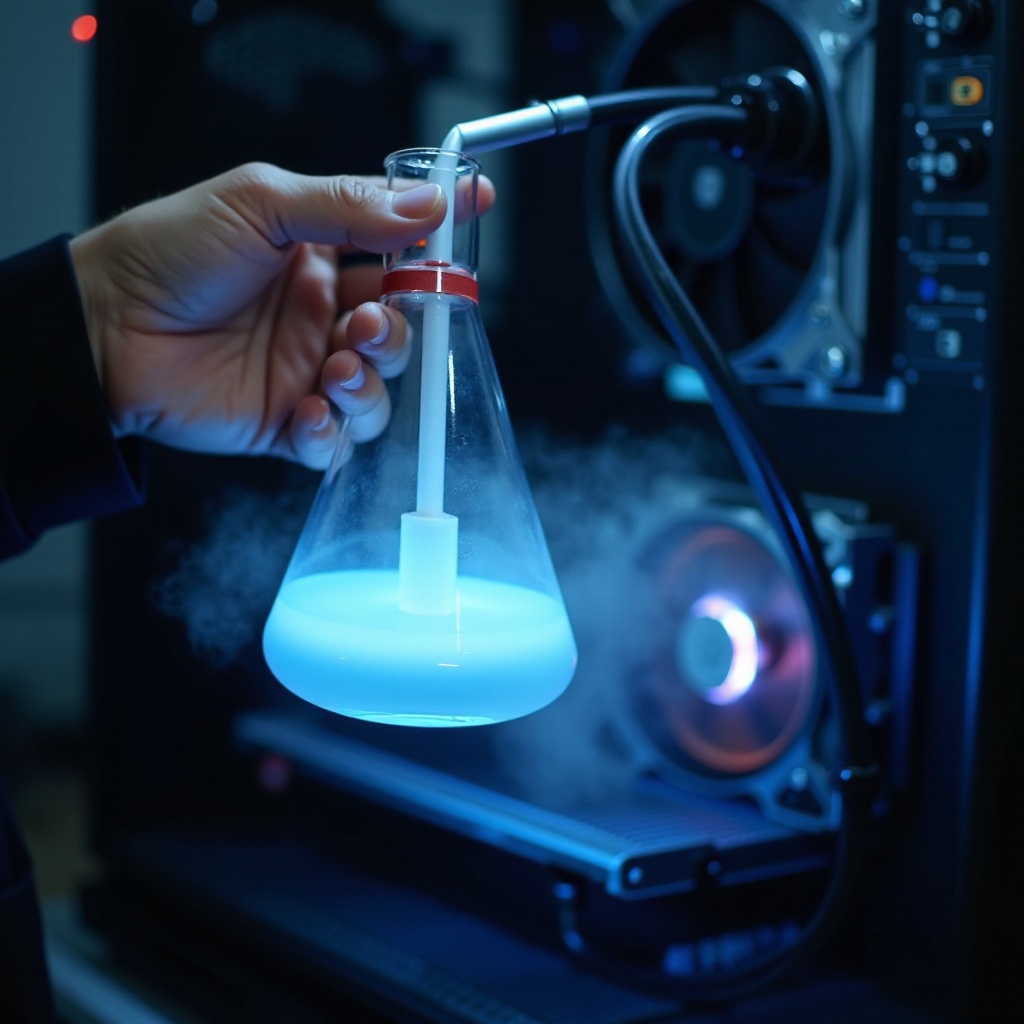
Understanding Liquid Nitrogen and Its Uses in PC Cooling
Liquid nitrogen, a substance known for its extreme cold, is a colorless, odorless cryogenic fluid with a boiling point of -196°C. This makes it ideal for applications requiring intense cooling, such as in overclocked PCs. Its rapid heat dissipation abilities can maintain performance levels that other cooling methods can’t match.
However, with power comes risk. Handling liquid nitrogen requires strict adherence to safety protocols, including the use of protective gear like gloves and goggles and ensuring a well-ventilated workspace to prevent oxygen displacement. Understanding these characteristics and safety measures will set the foundation for successful implementation.
How Liquid Nitrogen Cooling Systems Work
A liquid nitrogen cooling system is built from several key components. At its core is the dewar flask, which stores the liquid nitrogen at low temperatures. The copper CPU pot sits directly on the hardware, efficiently transferring cooling effects.
- Installation Start: Secure the CPU pot onto the CPU with a snug fit, minimizing thermal leaks.
- Connect Sensors: Install temperature sensors to keep precise track of system temperatures.
- Pour Liquid Nitrogen: Carefully fill the CPU pot with liquid nitrogen, which rapidly evaporates and lowers component temperatures.
This combination of design and elements helps maintain system stability and reliability under extreme conditions. The interplay between cooling and hardware highlights the potential of this method to redefine performance limits.

Advantages and Challenges of Using Liquid Nitrogen
Liquid nitrogen’s cooling prowess offers several benefits that dramatically enhance PC performance.
- Exceptional Cooling Power: This allows for serious overclocking and heat management.
- Reduced Throttling: Keeps systems running faster and responsive even under increased loads.
Despite these advantages, the method has its set of challenges. The handling hazards make it unsuitable for everyday use, necessitating constant liquid nitrogen supply and vigilant safety. Mismanagement can risk hardware damage or personal injury, necessitating carefully balancing benefits against the practical difficulties.
Building a Liquid Nitrogen Cooled PC: A Step-by-Step Guide
Configuring a PC with liquid nitrogen cooling demands precision and readiness.
- Gather Tools: Obtain a dewar flask, copper CPU pot, thermal paste, sensors, and protective gear.
- Workspace Preparation: Set up in a clean, well-ventilated space to minimize risks.
- CPU Pot Installation: Apply thermal paste and secure the copper pot to the CPU effectively.
- Sensor Calibration: Attach sensors to provide real-time data, crucial for process control.
- Nitrogen Introduction: Gradually introduce liquid nitrogen, watching for optimal evaporation and cooling.
These detailed steps allow you to construct a reliable and efficient cooling solution, avoiding potential missteps such as poor connectivity or sensor inaccuracies.
Evaluating Performance: Real-world Benchmarks
Benchmark tests have demonstrated that liquid nitrogen drastically amplifies PC capabilities. With this cooling method, systems handle higher clock speeds stably, optimizing computative-heavy workloads without throttling.
Performance benchmarks underscore the cooling method’s remarkable effects in comparison to standard solutions. This realization of improved processing power is enticing for those in overclocking circles, delivering unseen possibilities for high-end computing.
Maintenance and Safety Protocols
Routine maintenance extends the lifespan of your liquid nitrogen cooling system and guarantees effective operation.
- Regular Inspections: Check that components are fixed and functioning properly.
- Sensor Recalibration: Maintain accuracy in temperature readings by recalibrating regularly.
Continuous safety adherence is essential. Protective equipment remains a staple in handling procedures, always prioritizing a safe environment where nitrogen use is controlled. Neglecting safety can lead to severe consequences, making careful observance non-negotiable.
Conclusion
In 2024 and beyond, liquid nitrogen cooling stands as a frontier for overclocking adventurers. Its capability to elevate PC functionality to transcendent levels is undeniable. Through an understanding of processes, safety, and performance gains, users can safely exploit these technological advancements, enjoying the thrill and reward of pushing boundaries in personal computing.
Frequently Asked Questions
Is liquid nitrogen cooling safe for everyday PC use?
Liquid nitrogen cooling is mainly for short-term overclocking, not everyday use, due to constant replenishment and safety needs.
How does liquid nitrogen impact my PC’s performance and lifespan?
While it enhances performance by reducing temperatures, improper use can decrease component lifespan.
What is the cost involved in setting up a liquid nitrogen cooling system?
Setup costs vary but require investment in a dewar flask, CPU pot, sensors, and safety gear, making it more expensive than traditional methods.