
Introduction
Resetting a Nintendo DS can breathe new life into your handheld gaming experience. Whether you’re dealing with a system glitch or preparing to hand your DS to someone else, understanding how to properly reset your device is crucial. Knowing the differences between a soft reset and a hard reset can save your progress or wipe your system clean when needed. In this guide, we’ll unravel the processes you need to follow, providing essential information to keep your Nintendo DS running smoothly. From understanding the different DS models to troubleshooting common reset issues, this blog will cover everything you need to know to effectively reset a Nintendo DS.
Understanding Nintendo DS Models
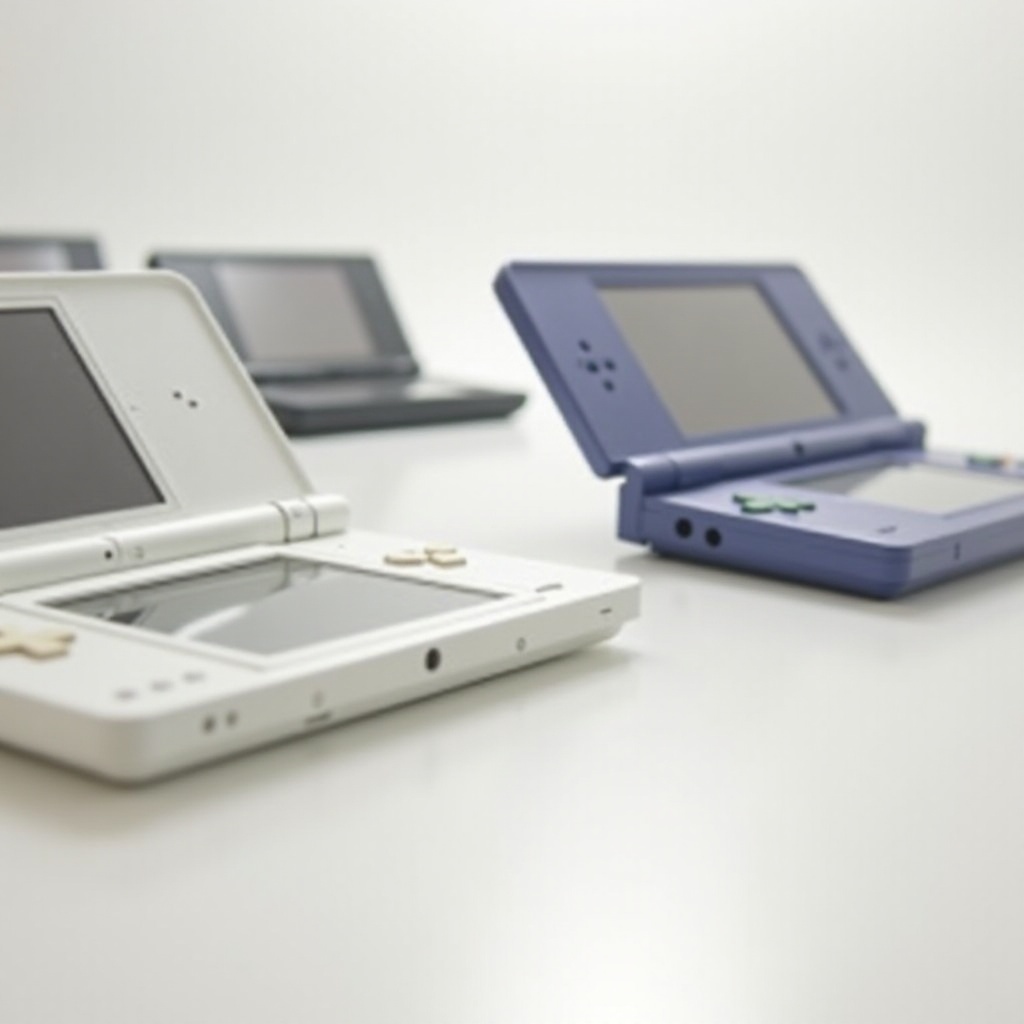
The Nintendo DS lineup has evolved significantly since its initial release, offering various models to cater to diverse gaming preferences. Each model, from the original DS to the DS Lite, DSi, and DSi XL, has its unique features but shares some common reset processes. It’s vital to know your model before proceeding with a reset as the button configurations and system software can vary. The original Nintendo DS models laid the foundation with their innovative dual-screen setup, while later iterations like the DSi introduced features such as cameras and downloadable software. Understanding your model ensures that you perform the correct reset process appropriate for your device, safeguarding your data and settings while addressing any issues at hand.
Understanding the model is just the beginning. Once you know which DS you are dealing with, the next step is learning about the different reset options available to you. This knowledge will allow you to handle minor glitches or prepare your DS for a fresh start effectively.
The Basics of Soft and Hard Resets
Before diving into the reset procedures, grasping the distinction between a soft reset and a hard reset is essential. Each reset type serves a different purpose and is suitable for different scenarios you might encounter.
Soft Reset Explained
A soft reset is a simple restart of the system, typically used when you need to refresh the device without losing your game progress. This kind of reset is often all that’s needed when experiencing minor glitches or lagging response times during gameplay. The soft reset process is quick and doesn’t interfere with saved data, making it the go-to for temporary performance issues.
Hard Reset Explained
In contrast, a hard reset, also referred to as a factory reset, restores the device to its original settings, erasing all saved data and downloaded content. This reset type is usually performed when preparing the device for a new owner or when extensive troubleshooting is necessary to resolve persistent problems. Hard resets are more thorough than soft resets but should be used cautiously due to the loss of data involved.
With a solid understanding of these reset types, it’s possible to choose the one that best suits your current needs. As you prepare to reset your device, keeping track of your data is crucial. This ensures you won’t lose any important information during the process.
Preparing Your Nintendo DS for a Reset
Preparation is key to success when resetting a Nintendo DS. Before proceeding, back up any important game data you wish to keep, especially if you plan to perform a hard reset. For models with SD card capabilities, such as the DSi, transferring files to the card can safeguard them from erasure. Make sure the device is fully charged or connected to a power source to prevent interruption during the reset process. Additionally, familiarize yourself with the button layout of your specific DS model, as this will assist in executing the reset steps accurately.
Once your DS is prepared, you can confidently move forward with the reset process. Following the correct steps ensures a seamless reset experience, allowing you to return to gaming without unnecessary delay.
Step-by-Step Guide to Resetting a Nintendo DS
With preparation complete, you’re ready to reset your Nintendo DS. Follow these step-by-step instructions to perform a soft or hard reset, depending on your needs.
Performing a Soft Reset
-
Pause the Game: First, pause your current game to avoid losing progress.
-
Simultaneously Press Buttons: For most Nintendo DS models, press and hold the Start, Select, L, and R buttons simultaneously.
-
Restart the Game: This combination triggers a soft reset, quickly rebooting the game without affecting saved data.
Performing a Hard Reset
-
Power Off the DS: Start by completely turning off the device.
-
Access System Settings: Power the DS back on and navigate to the ‘Settings’ menu if available. For DSi models, you can do this on the home screen.
-
Initiate Factory Reset: Locate and select the ‘Format System Memory’ option. Confirm the decision to proceed with the factory reset, deleting all stored data and returning the device to default settings.
Completing these steps ensures a successful reset, whether preserving your saved games with a soft reset or starting anew with a hard reset. Being aware of the potential pitfalls will further enhance the reset process, leading to smoother operations.
Troubleshooting Common Reset Issues
Even with careful adherence to reset instructions, occasional issues can arise. Identifying and solving these problems ensures your device returns to optimal functioning swiftly.
Common Problems
-
Unresponsive Buttons: Sometimes, the device may not respond to reset commands if buttons are stuck or malfunctioning.
-
Incomplete Resets: Partial resets may occur if the device turns off during the process.
Solutions and Tips
-
Button Repair: Check for any debris around the buttons and clean them gently, ensuring they move freely.
-
Sufficient Power Supply: Always ensure the DS is fully charged or connected to a charger to avoid interruptions during resets.
Troubleshooting these typical issues can save time and keep your DS functioning correctly. Knowing how to address them if they arise supports uninterrupted gaming enjoyment.
Additional Tips for Maintaining Your Nintendo DS
Maintaining your Nintendo DS ensures a longer lifespan and smoother operation. Regularly update the system firmware to access new features and improvements. Additionally, clean the device’s exterior and screen gently to prevent dust buildup, which can affect button functionality and screen clarity. Store the DS in a safe, dry area when not in use to protect it from environmental damage.
Integrating these practices into your regular maintenance routine can significantly extend the device’s usability and performance, contributing to a better gaming experience for the long term.
Conclusion
Resetting your Nintendo DS, whether through a soft or hard reset, is a straightforward process with the right guidance. Understanding the differences between reset types and how to implement them will keep your gaming experience seamless and restore your device to proper working order when needed. Follow this guide to master Nintendo DS resets, ensuring both your game data’s safety and the device’s longevity.
Frequently Asked Questions
How do I perform a soft reset on my Nintendo DS?
To execute a soft reset, pause your game and press the Start, Select, L, and R buttons simultaneously.
Will resetting my Nintendo DS delete saved games?
A soft reset will not delete saved games, but a hard reset will erase all data, including saved progress.
What should I do if my Nintendo DS doesn’t reset properly?
Ensure all buttons are functioning correctly and the device has enough power. If issues persist, consult a professional for device calibration or repair.