Introduction
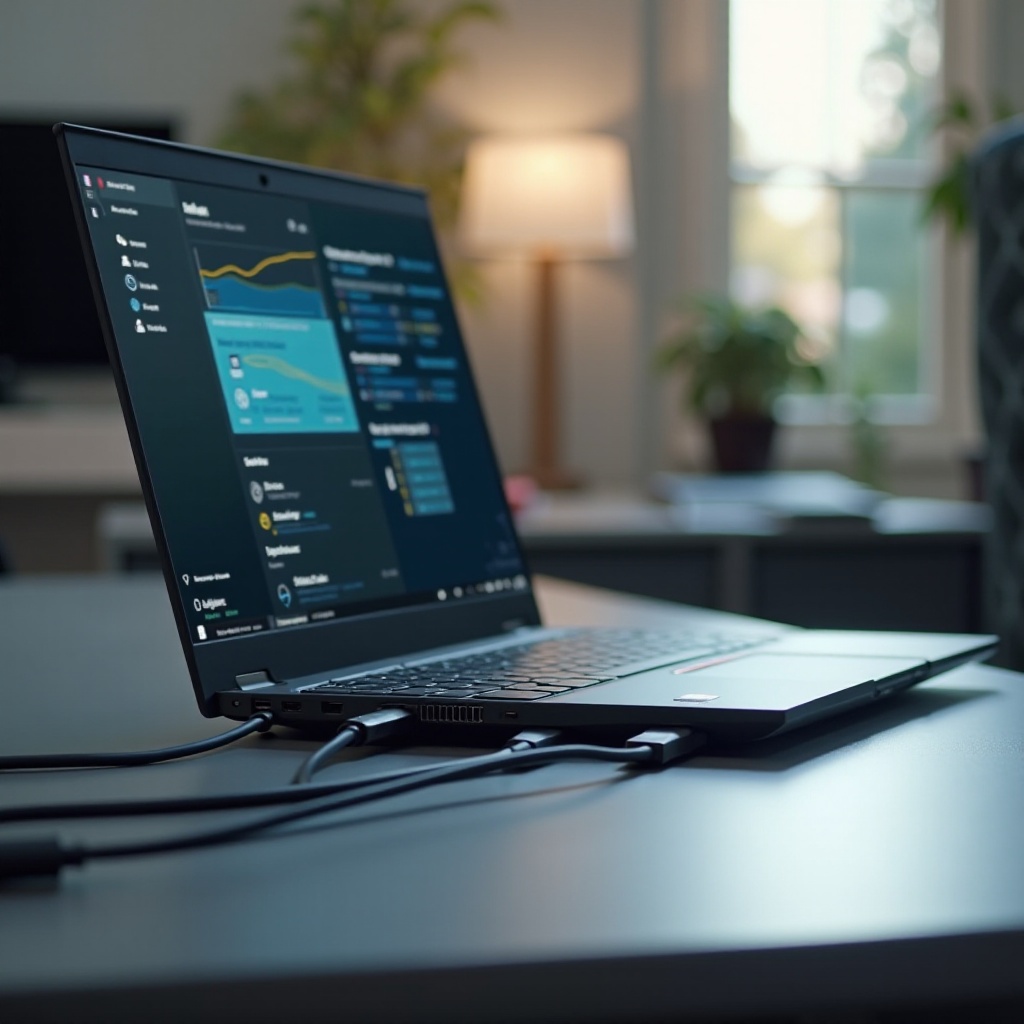
Thunderbolt ports have completely transformed laptop usage, offering unparalleled speed and compatibility with a variety of devices. HP, a frontrunner in the laptop industry, incorporates Thunderbolt technology into many of its models, catering to users who prioritize high-speed data transfer and flexibility. This guide unpacks the advantages of Thunderbolt ports, showcases top HP laptops for 2024, and provides practical tips to maximize their potential. Whether you’re a professional on the go or a tech-savvy enthusiast, understanding the capabilities of Thunderbolt ports can greatly enhance your computing experience.
Understanding Thunderbolt Technology in HP Laptops
What is a Thunderbolt Port?
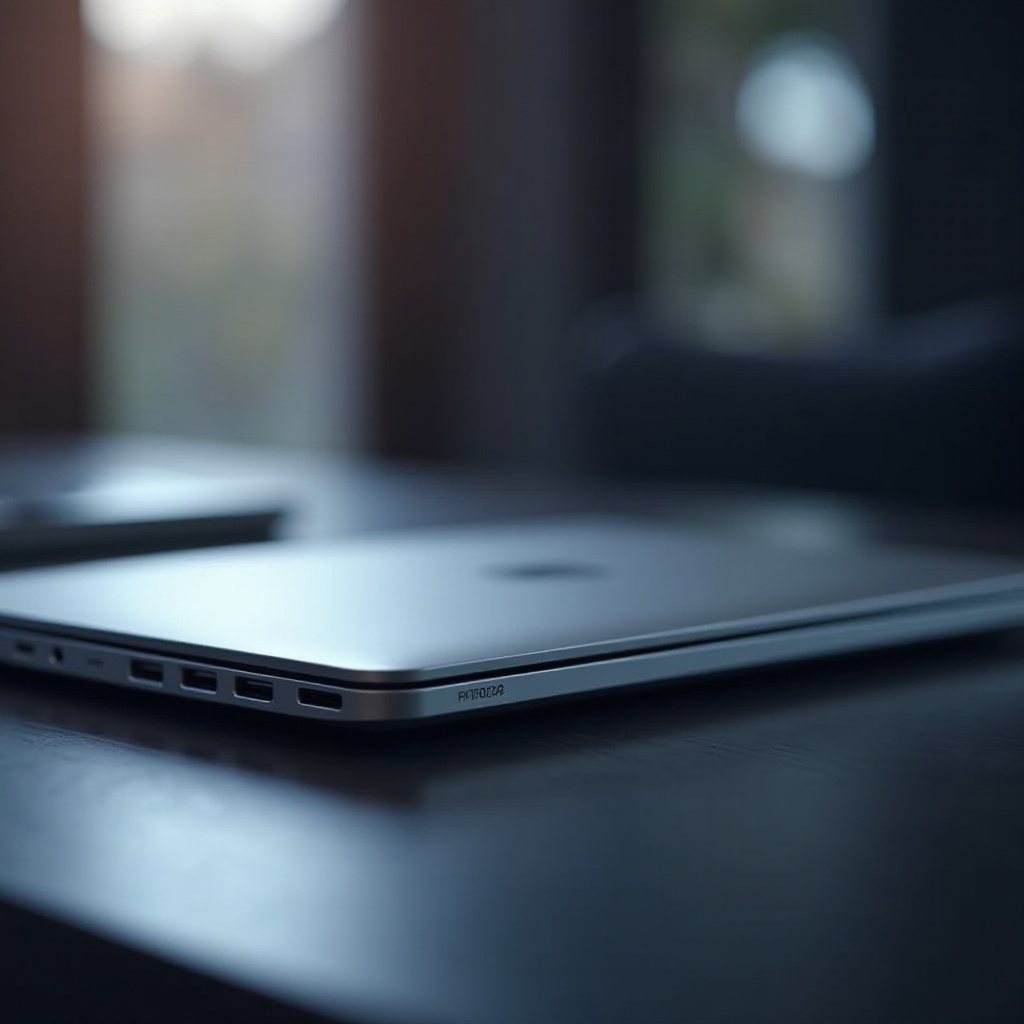
A Thunderbolt port integrates PCI Express and DisplayPort into a single compact connection, enabling users to link multiple peripherals through one port. Thunderbolt supports incredibly fast data transfer, video output, and power delivery. Unlike traditional USB ports, Thunderbolt connections allow daisy chaining of multiple devices without sacrificing performance.
Advantages of Thunderbolt Ports in Laptops
The inclusion of Thunderbolt ports in laptops offers numerous advantages:
- Superb Speed: With data transfer speeds reaching up to 40 Gbps, Thunderbolt facilitates quick movement of large files, which is particularly beneficial for multimedia professionals and creators.
- Remarkable Versatility: Thunderbolt ports connect various devices, including monitors, storage systems, and eGPUs, reducing clutter and enhancing productivity.
- Power Delivery: These ports also supply power, allowing devices to be charged via the same cable used for data and video.
- Future-Readiness: As more devices adapt to this technology, having a Thunderbolt port ensures compatibility with future peripherals and advancements.
Moving on to explore HP’s top offerings for 2024, we see how Thunderbolt sets these models apart.

Top HP Laptops with Thunderbolt Ports in 2024
HP Spectre x360 2024 Edition
The Spectre x360 stands out with its stunning design and powerful performance. The 2024 edition features enhancements in hardware and Thunderbolt 4 compatibility, offering lightning-fast data exchange and the ability to connect to multiple UHD displays. It’s a perfect choice for creative professionals needing efficiency and speed.
HP Envy Series with Thunderbolt
Known for balancing performance with affordability, the HP Envy Series includes Thunderbolt ports, enabling seamless connectivity and rapid data transfers. Ideal for users who demand substantial computing power without losing connectivity options.
HP EliteBook Series for Professionals
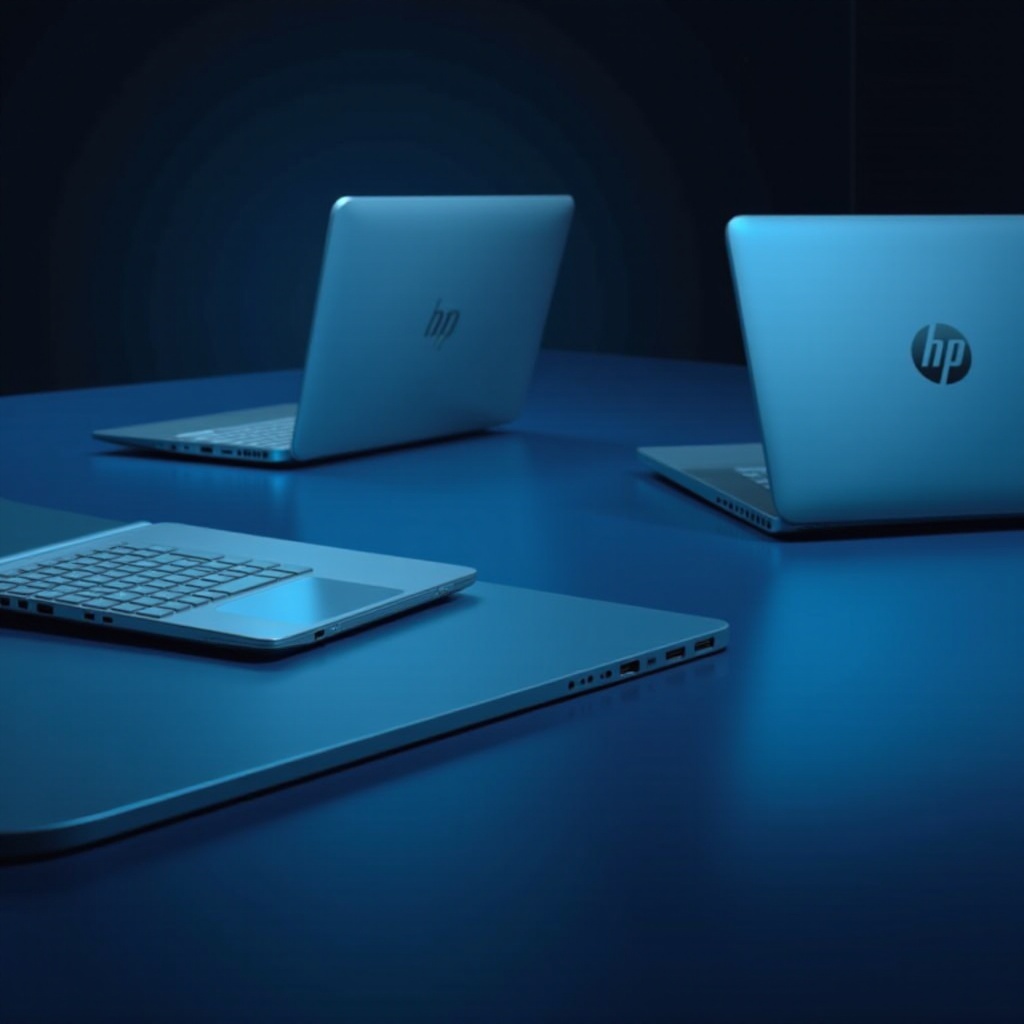
Tailored for business professionals, the EliteBook series is equipped with advanced security features and strong performance. The integration of Thunderbolt ports allows for quick data interchange, essential for maintaining productivity on the go. Choosing the right HP laptop involves assessing your requirements and understanding each model’s Thunderbolt capabilities.
Benefits of Choosing an HP Laptop with Thunderbolt
Enhanced Data Transfer Speeds
Thunderbolt ports offer significantly improved data transfer speeds, reaching up to four times the speed of USB 3.0. This is essential for users dealing with large files, such as those in media or data analysis fields.
Versatility with Peripheral Devices
The option to connect various devices via a single port enhances desk organization and boosts efficiency. This flexibility allows adaptation to changing work setups and needs.
Future-Proofing Your Laptop Investment
Buying a laptop equipped with Thunderbolt ensures that it will remain compatible with newer devices and peripherals, offering long-term savings and ongoing relevancy in a fast-evolving tech landscape. Making the most out of these capabilities requires understanding how to optimize Thunderbolt’s potential, a topic we’ll explore next.
How to Make the Most of Your Thunderbolt Port
Tips for Optimal Use
- Select Quality Cables: Use certified Thunderbolt cables to maintain peak performance and avoid data bottlenecks.
- Leverage Daisy Chaining: Connect up to six devices through a single port to streamline your workspace.
- Stay Updated: Regularly update your laptop’s firmware to ensure Thunderbolt technology remains compatible and performs well.
Compatible Devices and Accessories
- External SSDs: These provide fast and reliable storage options for transfers and backups.
- Docking Stations: Expand connectivity with additional USB, HDMI, and Ethernet ports.
- External Monitors: Enhance productivity with support for high-resolution displays, allowing expanded multitasking.
By understanding these tips and tools, users can fully leverage Thunderbolt ports to maximize their HP laptop’s performance.
Conclusion
HP laptops equipped with Thunderbolt ports deliver unmatched speed, connectivity, and efficiency. Investing in such a laptop caters to current computing needs while ensuring adaptability to future technological advancements. Consider the discussed models and tips to optimize your laptop’s Thunderbolt capabilities, elevating your overall computing experience.
Frequently Asked Questions
What HP laptops come with Thunderbolt ports in 2024?
Models like the HP Spectre x360, HP Envy, and HP EliteBook series feature Thunderbolt ports, each tailored for different user needs.
Can Thunderbolt ports be used for charging HP laptops?
Yes, Thunderbolt ports can deliver power, allowing you to charge devices using the same port used for data and video transfer.
How does Thunderbolt 4 differ from Thunderbolt 3 in HP laptops?
Thunderbolt 4 provides improved performance with mandatory features like support for two 4K displays, peripherals daisy-chaining, and charging capabilities, enhancing the user experience.