Introduction
The Lenovo T580, equipped with Thunderbolt ports, is designed for those needing high-speed data transfer and versatile connectivity. Thunderbolt technology revolutionizes how we connect devices, offering faster data transfer rates than conventional USB ports. However, a common concern among users is whether this advanced port impacts battery life significantly. Understanding this dynamic is crucial for managing your laptop effectively, especially if you rely on the T580 for demanding tasks.
Understanding Thunderbolt Technology
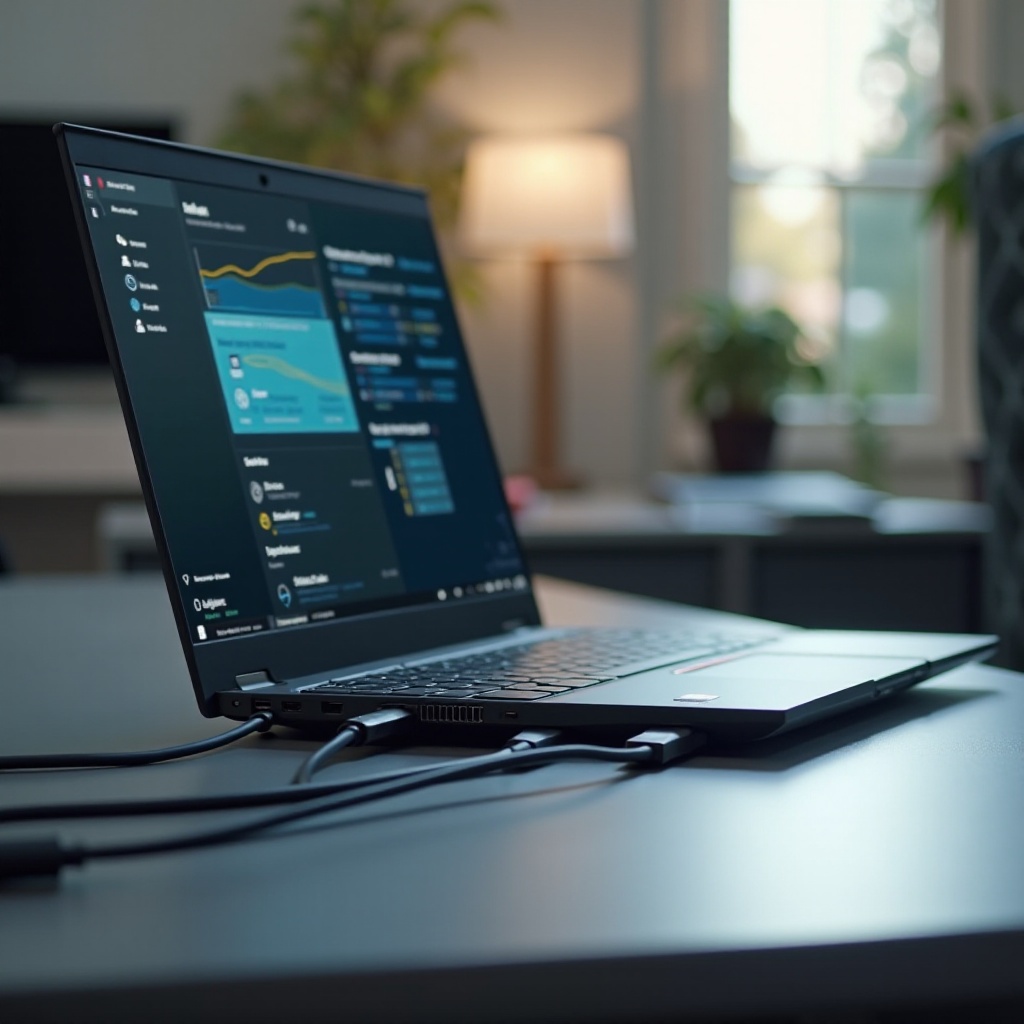
Thunderbolt, an innovation by Intel, merges high-speed data transfer capabilities with multi-device connectivity. It supports data transfers up to 40Gbps and integrates PCI Express and DisplayPort technologies over USB-C. This unified solution offers rapid connectivity for external drives, displays, and other peripherals. While Thunderbolt enhances productivity through high-speed connections, it’s important to recognize its potential impact on battery life, particularly when multiple high-power devices are connected.
How Laptop Battery Life Works
Battery life in laptops is influenced by numerous factors: hardware efficiencies, software settings, and usage behaviors. The battery supplies power to major components such as the CPU, GPU, and display, with peripherals drawing additional power, depending on their energy needs. Thunderbolt connections, due to their high-speed nature, can increase battery consumption as they support connected devices, potentially reducing battery life. Understanding how these connections interact with core power components can guide effective battery management.
Examining the Impact of Thunderbolt on Battery Life in the T580
Power Consumption Tests and Results
Studies and user tests show an increase in power consumption when using Thunderbolt connections. This is particularly evident when devices like external GPUs, multiple monitors, or fast data storage systems are in use. Testing revealed that such setups could significantly shorten battery runtime compared to standard USB connections on the T580.
User Experiences and Feedback
Feedback from T580 users highlights noticeable battery drain during extensive use of Thunderbolt connections. For those using the port for high-bandwidth applications, battery life reduction is evident. Many users report the need to moderate Thunderbolt usage when relying solely on battery power to maintain essential functions for prolonged periods.
Technical Insights from Experts
Experts emphasize the importance of energy management when using Thunderbolt technology. While newer Thunderbolt versions have improved energy efficiency, the cumulative effect of high-powered connections can be substantial. Users are encouraged to assess their setup and optimize power settings to mitigate unnecessary battery drain while leveraging Thunderbolt’s advantages.
Strategies to Optimize Battery Life with Thunderbolt Usage
Efficient Thunderbolt Usage Practices
To minimize battery drain while using Thunderbolt, consider these strategies:
1. Disconnect devices not in use when on battery power.
2. Utilize power-efficient peripherals where possible.
3. Lower display resolutions and refresh rates of connected monitors if feasible.
General Battery-Saving Tips for the T580
In addition to managing Thunderbolt connections, general battery-saving practices include:
– Dimming the screen to a comfortable level.
– Using Lenovo’s power-saving modes to optimize performance.
– Closing unnecessary applications running in the background.
Software Tools and Adjustments
Several software tools can aid in battery management:
– Lenovo Vantage provides options to manage performance and battery settings effectively.
– Operating system power management features allow users to customize power plans to balance performance needs with battery survival.
– Regularly updating software ensures compatibility and enhanced power efficiency.
Conclusion
While Thunderbolt technology elevates the functionality of the Lenovo T580 with its high-speed, multifunctional capabilities, it can also contribute to increased battery consumption. By understanding how Thunderbolt interactions impact battery life and adopting informed strategies, users can enjoy optimal laptop performance without compromising on battery longevity. Balancing the benefits of Thunderbolt with mindful usage will empower users to make the most out of their T580 laptop.
Frequently Asked Questions
Does using Thunderbolt with external displays drain more battery in the T580?
Yes, connecting multiple or large external displays via Thunderbolt can significantly increase power consumption and reduce battery life.
Are there settings on the T580 to reduce Thunderbolt-related battery drain?
Yes, using power management tools like Lenovo Vantage and adjusting external display settings can help reduce battery drain.
What are the alternative ports on the T580, and do they impact battery life differently?
The T580 also features USB 3.0 and HDMI ports, which generally consume less power than Thunderbolt ports, especially when used with less demanding peripherals.