
Introduction
In today’s on-the-go lifestyle, our smartphones, particularly iPhones, act as our constant companions, delivering music, calls, podcasts, and more. A muffled sound or weak audio output can disrupt this auditory experience, leaving users frustrated. Often, the culprit is dust and dirt accumulated in the speakers. Addressing this not only rejuvenates the sound quality but also extends your iPhone’s lifespan. In this comprehensive guide, we delve into why cleaning your iPhone speakers is crucial, offering easy and effective methods to restore them to their prime performance. Let’s unveil the best ways to maintain clear, uninterrupted sound on your device.
Understanding iPhone Speaker Design
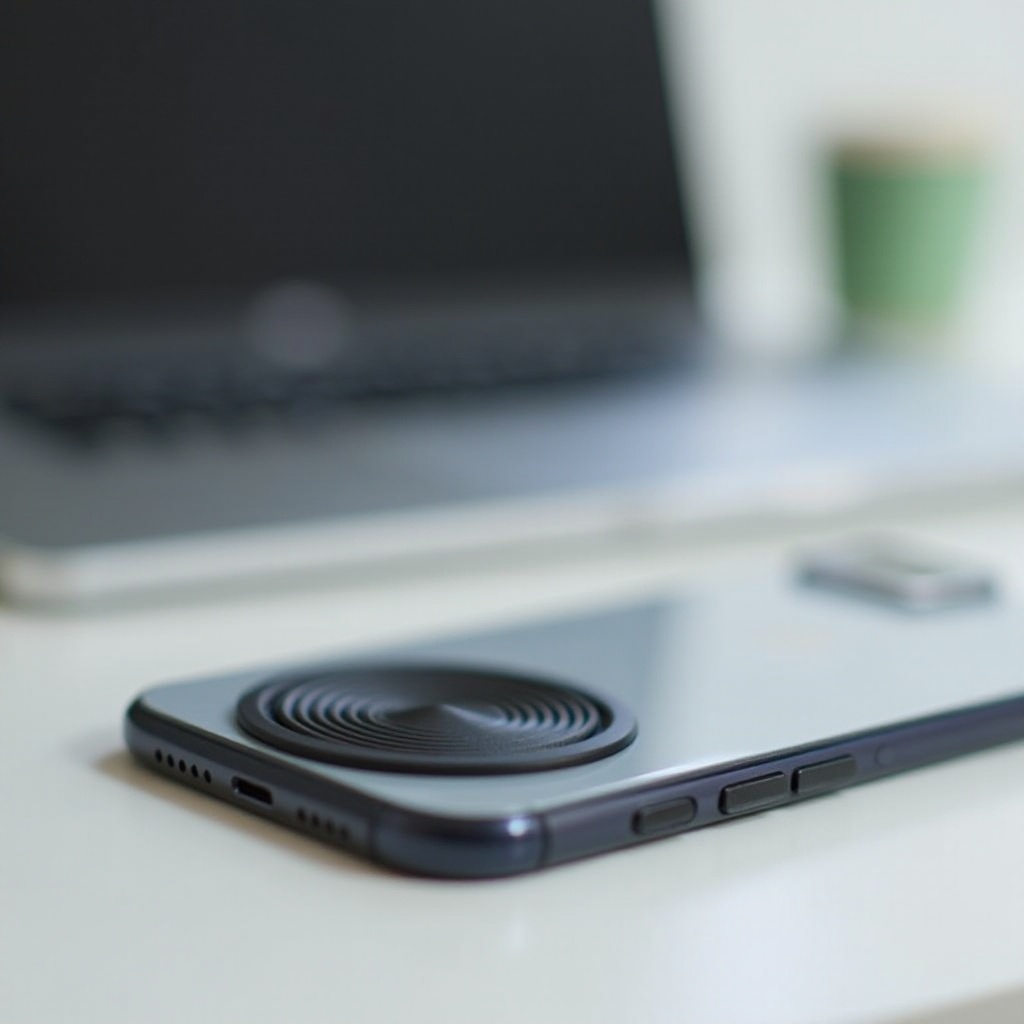
iPhone speakers are a marvel of compact engineering. Nestled within tiny grilles at the bottom of the device, these components are finely tuned to produce perfect audio. However, their intricate layout makes them susceptible to debris. Recognizing their design underlines the importance of a gentle and informed cleaning approach. Protecting these delicate internal components is paramount, as improper cleaning can do more harm than good. This understanding will guide you as you carefully handle each cleaning step to preserve audio integrity.
Signs Your iPhone Speakers Need Cleaning
Before diving into cleaning techniques, identifying when it’s needed is crucial. Symptoms include a noticeable decline in audio clarity or volume, unexpected sound distortions, or worse, complete sound absence. A sticky feeling around the speaker area is another clear sign of buildup. Although sometimes software glitches can mimic these issues, eliminating physical impediments first can save troubleshooting time. Identifying these symptoms early can prevent further deterioration, underscoring the importance of routine speaker sanitation.
Preparation for Cleaning Your iPhone Speakers
Effective speaker cleaning begins with thorough preparation. Gather necessary tools: a soft-bristled brush, adhesive putty, and compressed air. Ensure you’re working in a well-lit area for precision. Power off your iPhone and remove any protective case for complete access to the speaker grilles. These precautions safeguard both the device and yourself from potential mishaps. Equipped with the right tools and setup, you’re ready to commence the cleaning process confidently.
Methods to Clean iPhone Speakers
Using a Soft-Bristled Brush
Begin with a gentle tool like a soft-bristled brush, such as a clean, unused toothbrush. Carefully brush across the speaker grilles, slightly tilting your iPhone to let debris escape. Remember, the goal is to dislodge particles gently without pushing them further into the device.
Utilizing Adhesive Putty
For stubborn dust, adhesive putty proves invaluable. Soften a small piece by rolling it between your fingers, then press it gently against the speakers. This picks up dirt without leaving any residue, making it a safe, effective choice for cleaning intricate grooves.
Compressed Air Approach
Compressed air is excellent for reaching debris in difficult spots. Hold the can upright and apply short bursts into the speaker grilles. This method effectively disperses hidden particles without contact. However, use it sparingly to avoid damaging internal components with excessive pressure.
What to Avoid When Cleaning iPhone Speakers
Knowing what not to do is as crucial as following the right steps. Avoid liquids or water, which pose risk for damaging electronic parts. Steer clear of sharp objects like needles that could puncture the metallic mesh or internal components. Always apply a gentle touch, ensuring improvement without risking damage. Following these precautions preserves the speaker’s functionality and extends your iPhone’s life.
After Cleaning: Testing Your Speakers
Post-cleaning, testing the speakers guarantees your work’s success. Play music or make a call to check volume and clarity. A restored quality confirms effective cleaning. If issues linger, the problem might be deeper, necessitating expert consultation, although most blockages should now be clear.
Regular Maintenance Tips for iPhone Speakers
Maintaining pristine iPhone speakers involves regular care. Periodically check and clean the speaker grilles to prevent dust accumulation. Avoid dusty environments and use protective cases to shield against grime. These practices reduce cleaning frequency and boost your device’s lifespan while ensuring continuous top-quality audio.

Conclusion
Achieving crystal-clear sound on your iPhone is straightforward with the right approach. Armed with insights into the speaker’s design and effective cleaning techniques, maintaining optimal function is simpler than ever. Proactive maintenance keeps audio quality consistently high and ensures your device remains a reliable companion in all your activities.
Frequently Asked Questions
Can I use water to clean my iPhone speakers?
No, using water can cause internal damage. Opt for dry methods like brushing, adhesive putty, or compressed air for safe cleaning.
How often should I clean my iPhone speakers?
Clean your speakers every few months, though frequency should increase if exposed to dusty environments.
What should I do if my speaker still sounds muffled after cleaning?
If muffled sound persists, consider consulting an Apple technician for potential hardware issues.