Introduction
Tactile keyboard switches are increasingly popular among gamers and typists. These switches provide tactile feedback that strikes a balance between the silent operation of linear switches and the audible clicks of clicky switches. The tactile bump felt during keystrokes not only enhances typing precision but also offers a satisfying user experience. Selecting the right tactile switch can significantly impact your keyboard interactions, blending perfectly with both gaming and typing tasks.
Understanding Tactile Switches
What Are Tactile Switches?
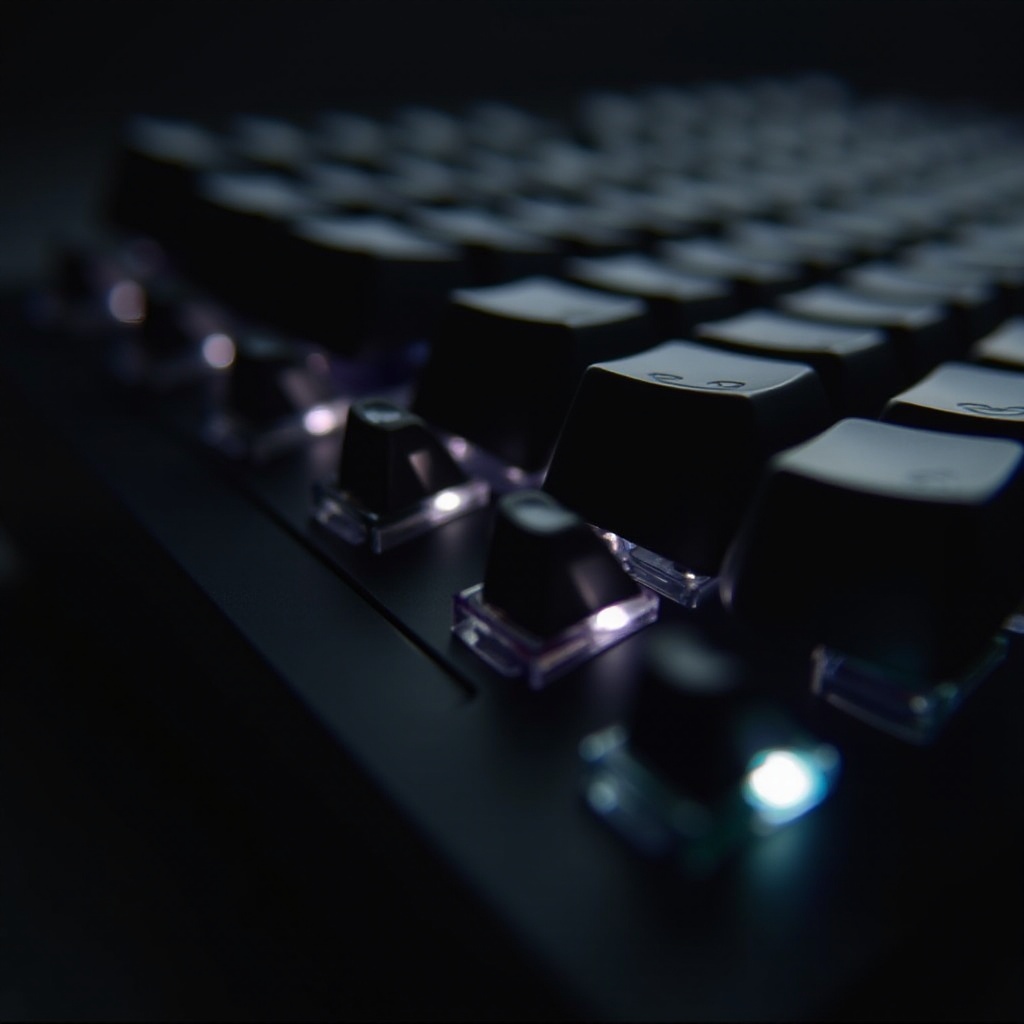
Tactile switches are designed to deliver a noticeable bump mid-press, confirming the keystroke. This feedback is invaluable for touch typists and those seeking certainty without relying solely on sound. Tactile switches differ from linear ones, which lack this feedback, and from clicky switches, which add sound to the tactile bump. They provide a versatile solution for users who desire physical confirmation in their typing.
Benefits of Tactile Feedback
The prime advantage of tactile switches is their distinct feedback, which informs the user of successful key actuation without needing to bottom out the key. This feature decreases finger fatigue over extended use, and the feedback helps prevent errors by confirming input completion. For many, tactile switches provide mental reassurance and physical satisfaction with every press, improving the overall typing or gaming experience.
Tactile vs. Clicky and Linear: What’s the Difference?
Tactile switches deliver a subtle bump, while clicky switches add an audible element. This sound may not suit all environments, particularly quieter settings. In contrast, linear switches offer a smooth, uninterrupted keystroke with no bump or sound, ideal for those seeking quiet, rapid-fire typing or gaming. Tactile switches strike a balance, offering both feedback and a quieter performance.
Top Tactile Keyboard Switches in 2024
Cherry MX Brown: The Reliable Choice
Cherry MX Brown switches are well-regarded for their balanced actuation force and subtle tactile bump, making them a versatile option for many users. Their consistency makes them a staple choice for those needing reliable feedback for a variety of tasks, from gaming to typing.
Gateron Brown: Smooth with Less Resistance
For a smoother experience, Gateron Brown switches offer a lighter actuation force while maintaining tactile feedback. These switches are favored by enthusiasts who appreciate a more fluid keystroke feel and affordable pricing without sacrificing quality.
Zealios V2: Premium Typing Experience
Zealios V2 switches are known for their premium build and pronounced tactile feedback, ideal for users who demand precision in every keystroke. These switches offer a unique feel that appeals to serious typists and gamers seeking a top-tier switch.
Kailh Box Brown: Durable and Water Resistant
Kailh Box Brown switches boast durability and water resistance, thanks to their innovative design. The boxed stem provides extra protection, making them a great option for those prioritizing longevity in their tactile switch choice.
Holy Panda: Enthusiast Favorite
Holy Panda switches, derived from merging different switch components, provide a distinctive and satisfying tactile experience. Known for their excellent sound and feel, they are a popular choice among keyboard enthusiasts who value a tailor-made typing experience.
Factors to Consider When Choosing a Tactile Switch
Actuation Force and Tactile Feedback
Considering the actuation force is crucial when selecting a tactile switch. It determines typing comfort and speed, with lighter forces suitable for faster, less tiring typing, and heavier forces providing more pronounced feedback.
Sound Level: Typing in Quiet Environments
When choosing switches, consider their sound, especially if used in shared or quiet spaces. Tactile switches generally offer a softer sound level than clicky ones, but exploring options with minimal noise can be beneficial.
Durability and Longevity
Switches with a high keypress lifespan ensure lasting performance, crucial for high-use items. Opt for switches that promise millions of keystrokes to avoid frequent replacements and ensure durability.
Best Tactile Switches for Different Uses
Gaming
For gaming, switches like Cherry MX Brown or Kailh Box Brown offer quick response times and durability, necessary for rapid, accurate gameplay and minimal distraction from noise.
Typing
For extensive typing sessions, switches such as Zealios V2 or Holy Panda deliver stronger tactile feedback and can enhance typing speed and reduce fatigue.
Programming
Programmers can benefit from Gateron Brown switches, which provide smooth, light actuation, reducing finger strain during extended coding marathons.
Tips to Test and Select the Right Switch
Utilizing Sample Switch Testers
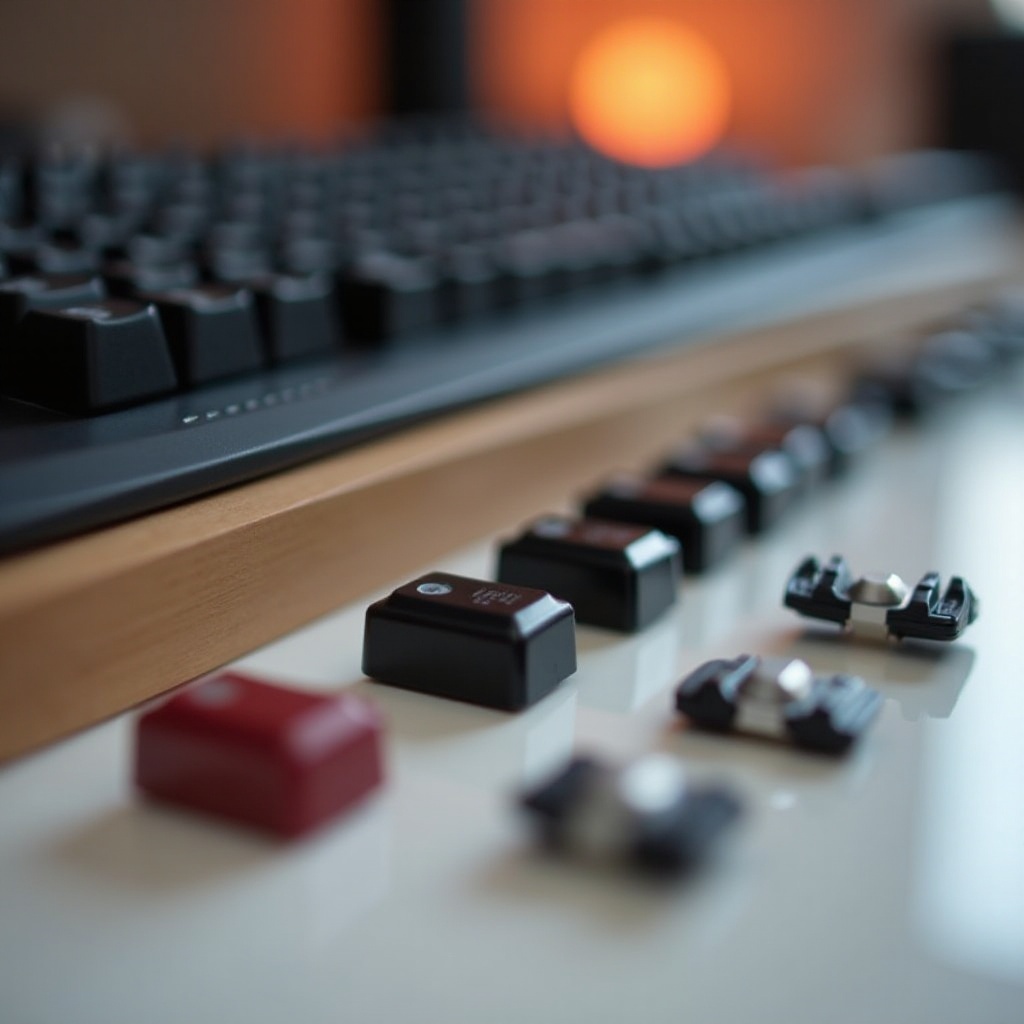
Before purchasing, try different switches using sample testers. This tactile experience helps determine personal preference and ensures satisfaction.
Exploring Community Reviews
User reviews and forums are excellent resources for understanding the real-world performance of switches. Engaging with community insights can provide valuable perspectives and recommendations.
Visiting Physical Stores
Visit electronic stores for hands-on testing. They often have demonstration boards, allowing prospective buyers to try various switches and make informed decisions.
Conclusion
Choosing the right tactile switch enhances interaction with keyboards, providing both comfort and performance. Assess factors such as actuation force, sound levels, and durability to match personal needs. Sample, explore options, and unlock a superior keyboard experience with tactile switches.
Frequently Asked Questions
What is the most popular tactile switch in 2024?
Cherry MX Brown remains extremely popular due to its balanced tactile feedback and reliability across various applications.
Are tactile switches good for gaming and typing?
Yes, tactile switches offer feedback essential for gaming precision and typing efficiency, making them versatile for both uses.
How do I maintain and clean tactile switches?
Regular cleaning with compressed air prevents debris buildup. Occasionally remove keycaps for deeper cleaning to maintain switch longevity.