Introduction
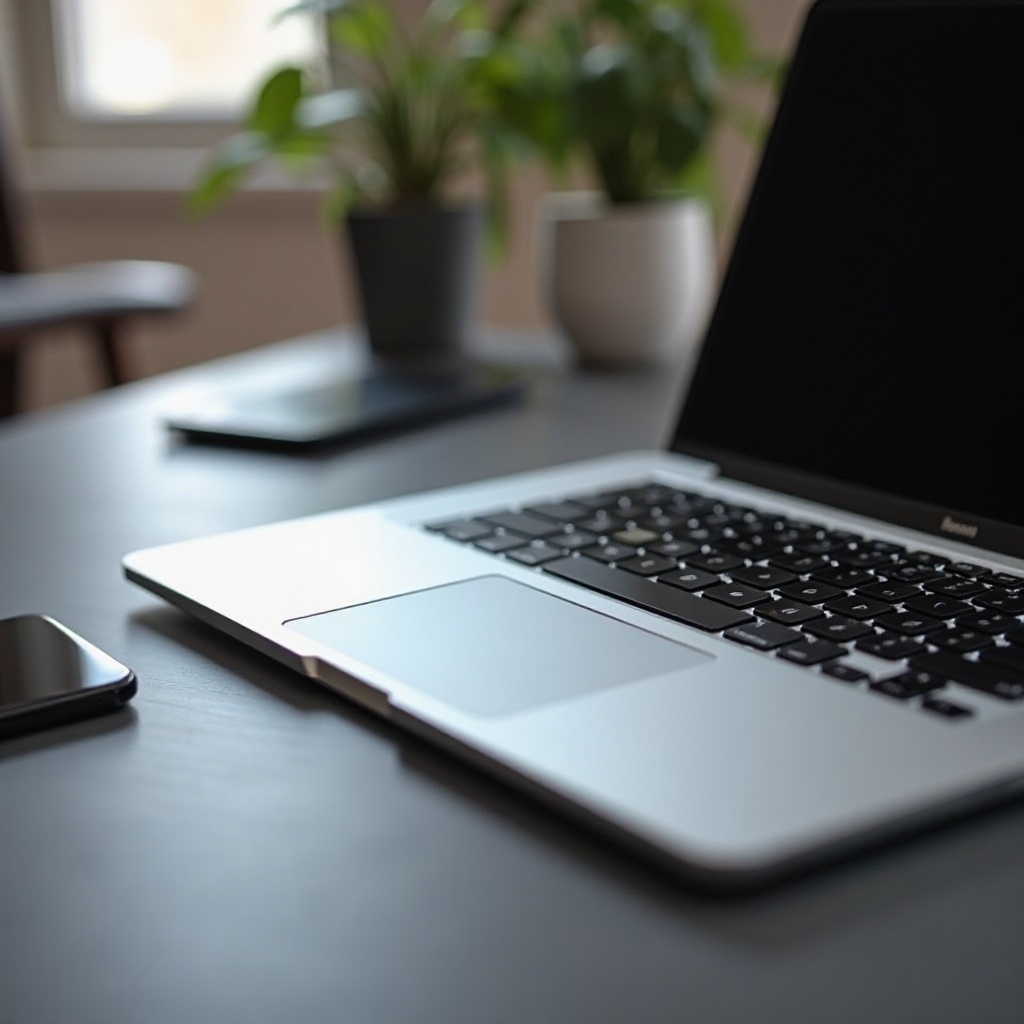
The laptop trackpad is a vital component that significantly influences user experience and productivity. A superior trackpad not only facilitates everyday tasks but also enhances creative and professional workflows. The right trackpad model can be a game changer for students, professionals, and creative artists, offering precise navigation and support for multitouch gestures.
What Defines an Outstanding Laptop Trackpad?
An outstanding laptop trackpad must exhibit specific qualities, including sensitivity, responsiveness, and durable materials. Here’s what sets a trackpad apart:
- Sensitivity and Responsiveness
-
A responsive trackpad accurately registers finger movements, allowing swift and efficient task execution without lag.
-
Multitouch Gestures
-
The ability to switch apps, zoom, and rotate images smoothly depends on the trackpad’s support for multitouch gestures.
-
Surface Material and Durability
- The trackpad’s tactile comfort and longevity are crucial factors determined by its surface material.
Understanding these features is essential for picking the right laptop to suit your needs.
Top Laptops with Superior Trackpads in 2024
The choice of a laptop frequently hinges on its trackpad quality. In 2024, several models have set new benchmarks:
-
Apple’s MacBook Pro: Industry Leader
Apple’s MacBook Pro continues to set industry standards with its generous trackpad surface area, aligning perfectly with macOS functions for an unmatched user experience. -
Dell XPS 13: Precision and Comfort
-
For Windows enthusiasts, the Dell XPS 13 offers a silky-smooth texture combined with precise responsiveness, bolstering productivity across tasks.
-
HP Spectre x360: Seamless User Experience
-
The HP Spectre x360 is crafted for creativity and professionalism, delivering a comfortable and intuitive trackpad experience.
-
Lenovo ThinkPad X1 Carbon: For the Business-Minded
- With its ergonomic focus, the Lenovo ThinkPad X1 Carbon’s trackpad ensures reliable interaction for business environments.
These models highlight the importance of advanced trackpad design in enhancing user satisfaction and productivity.
Comparing Trackpad Technologies Across Leading Brands
Leading manufacturers are continuously innovating trackpad technology to offer better user interaction. Let’s explore the advancements:
-
Windows vs. Mac Trackpads
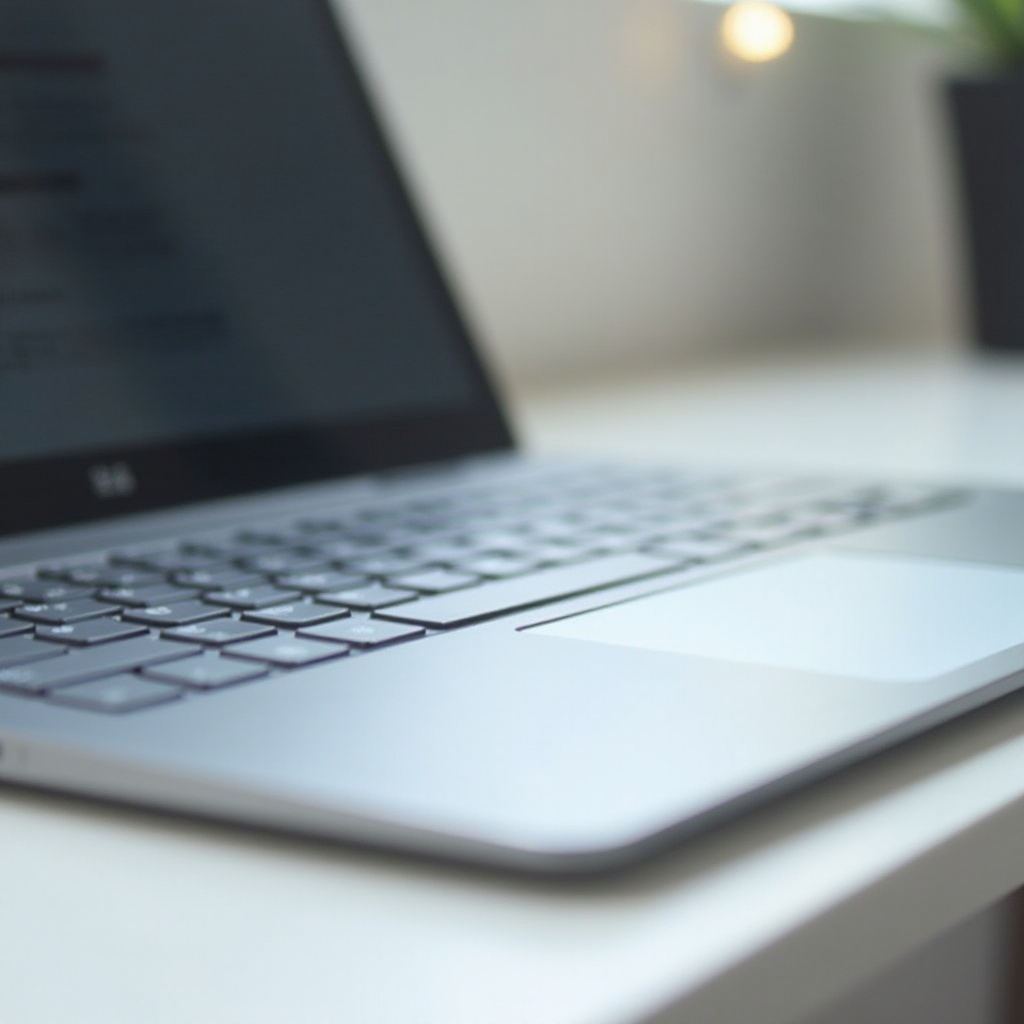
Apple’s trackpads are renowned for their intuitive interface and seamless integration with macOS. Windows laptops, especially premium models like the Dell XPS, feature precision, extensive gesture support, and broad application compatibility. -
Innovations from Lesser-Known Brands
Emerging market players are pushing the envelope with eco-friendly materials and AI-enhanced gesture support, setting new standards.
The constant evolution of these technologies presents exciting prospects for future trackpad functionalities, shaping how users interact with their devices.
Why a Great Trackpad Matters for Productivity
A high-quality trackpad is instrumental in enhancing work efficiency and creative output. Responsive gestures, efficient navigation, and customization options streamline workflows.
- Enhancing Workflow Efficiency
-
A great trackpad minimizes disruptions, allowing smooth transitions between tasks and enhancing multitasking in work environments.
-
The Role in Creative and Professional Tasks
- Precision and consistent gesture support are vital in design and video editing software, where efficient navigation significantly impacts output quality.
Recognizing the value of a good trackpad underscores its importance in selecting your next laptop and optimizing your productivity.
Key Features to Look for When Choosing a Laptop with a Trackpad
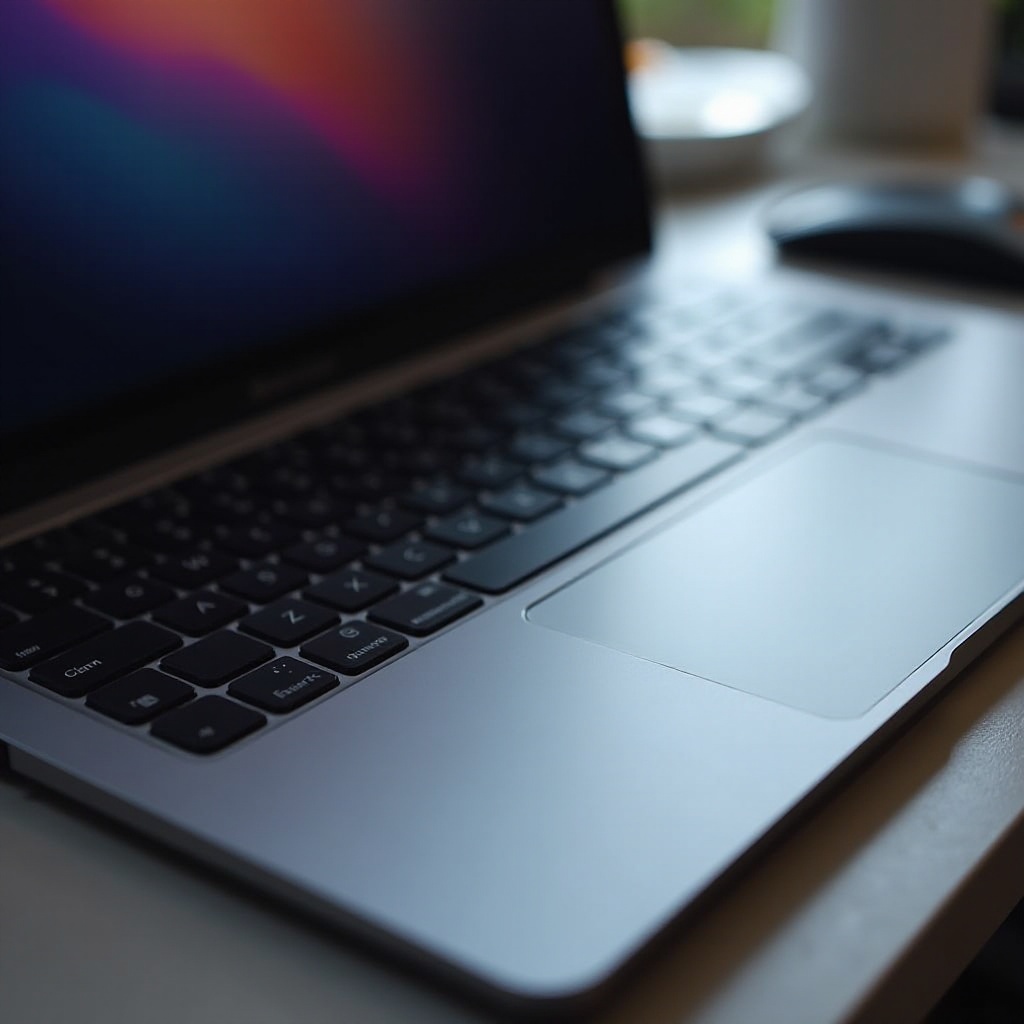
When selecting a laptop, it’s crucial to evaluate several features beyond just design and performance, especially for trackpads:
- Customizable Gestures and Software Integration
-
Flexibility in customizing gestures allows users to adapt the trackpad to their specific workflows, boosting productivity.
-
Trackpad Size, Position, and Usability
- The ergonomic placement and size of the trackpad should suit personal preferences, ensuring comfort and usability over long periods.
These features ensure that your trackpad will fit your lifestyle and professional demands, providing both comfort and functionality.
Conclusion
Choosing a laptop with a high-quality trackpad can significantly elevate your computing experience. Whether for work or personal use, investing in a model known for excellent trackpad performance is essential. With this knowledge, you’re well-equipped to make an informed choice.
Frequently Asked Questions
What is the best way to maintain my laptop’s trackpad?
Regularly clean the surface with a soft, damp cloth, avoiding harsh chemicals to prevent damage.
Are larger trackpads always better?
Not necessarily, as size should match your use case and ergonomic comfort.
How do trackpad drivers affect performance?
Drivers ensure smooth operation with the latest functionalities and gestures, enhancing precision and app compatibility.