Introduction
Finding the right computer is vital to a graphic designer’s workflow. The performance and features of a Mac can greatly influence creative output, making it essential to choose a model that suits your professional needs. Macs are favored for their robust hardware, intuitive software, and exceptional displays, ensuring designers have the tools needed to excel.

Why Mac is Preferred for Graphic Design
Macs have long been the preferred choice for professionals in the creative industry thanks to their seamless integration of hardware and software, which provides a smooth user experience. The precision offered by the Mac’s Retina displays can’t be overstated, delivering stunning color accuracy that is essential for graphic design.
The compatibility with leading design software such as Adobe Creative Suite ensures that designers can work without technical hitches. Beyond just aesthetics, the Mac’s ecosystem enables efficient work processes, connecting devices and applications smoothly, enhancing productivity across tasks.
Key Features to Consider Before Purchasing
When selecting a Mac for graphic design, specific features should be prioritized to ensure the best performance:
- Processor and GPU: A powerful processor and GPU are crucial for running complex design applications efficiently. Opting for the latest M2 processors can significantly boost rendering times and overall speed.
- RAM and Storage: Design work often requires multitasking and handling large files, so adequate RAM and storage are vital to prevent slowdowns and to accommodate growing project sizes.
- Display Quality and Size: A clear, high-resolution display is indispensable for accurate and detailed design work. Larger screens enhance multitasking capabilities and reduce the need for additional monitors.
Recognizing the needs these features address will guide you toward the most suitable Mac, tailored to your workflow.
Top Mac Computers for Graphic Designers in 2024
For 2024, these Macs stand out for their capabilities and design-focused features:
-
MacBook Pro 16-inch (M2 Pro): Known for its performance power, the MacBook Pro is equipped with the M2 Pro chip, making it perfect for intensive graphic design projects. The expansive 16-inch display provides ample space for creative work while delivering exceptional color accuracy.
-
MacBook Air (M2): Combining portability and power, the MacBook Air is ideal for designers who need to work from various locations. Its M2 chip and vibrant display make it a capable option for lighter design tasks.
-
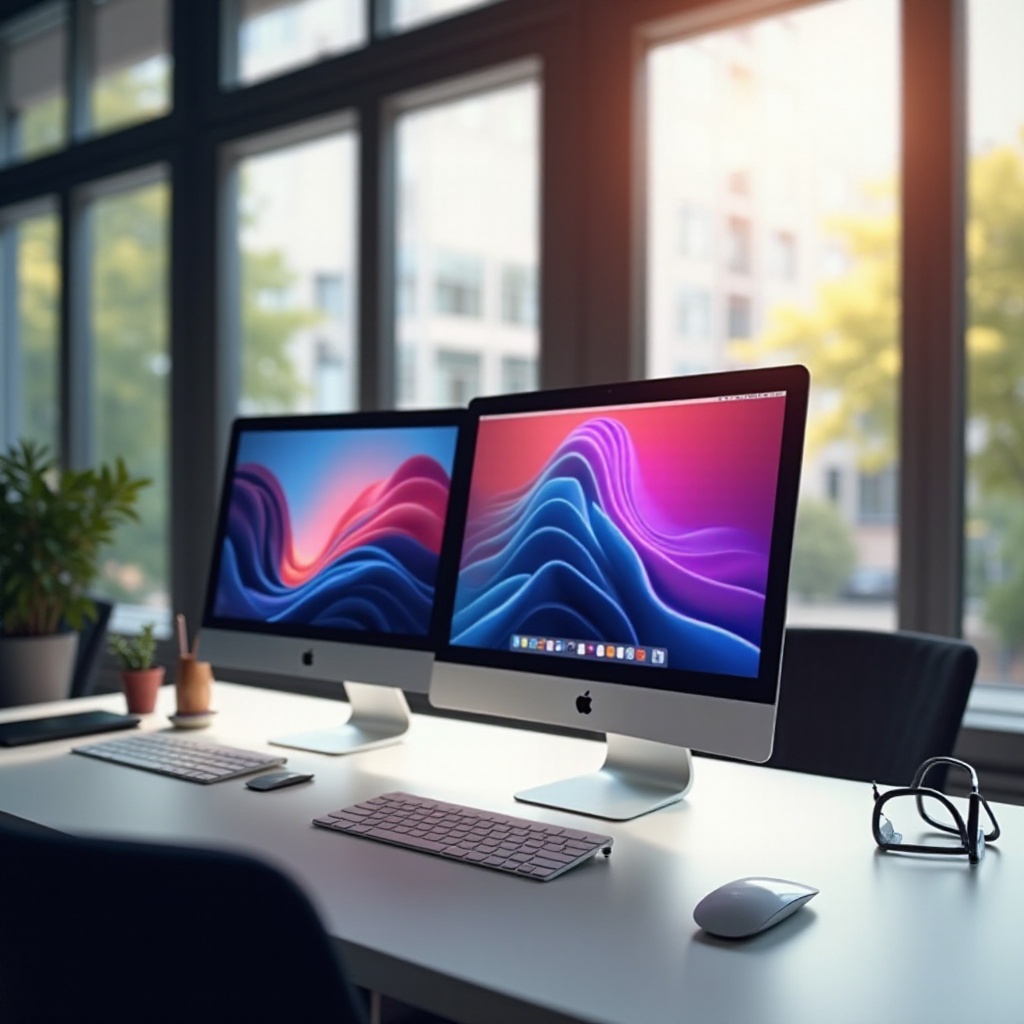
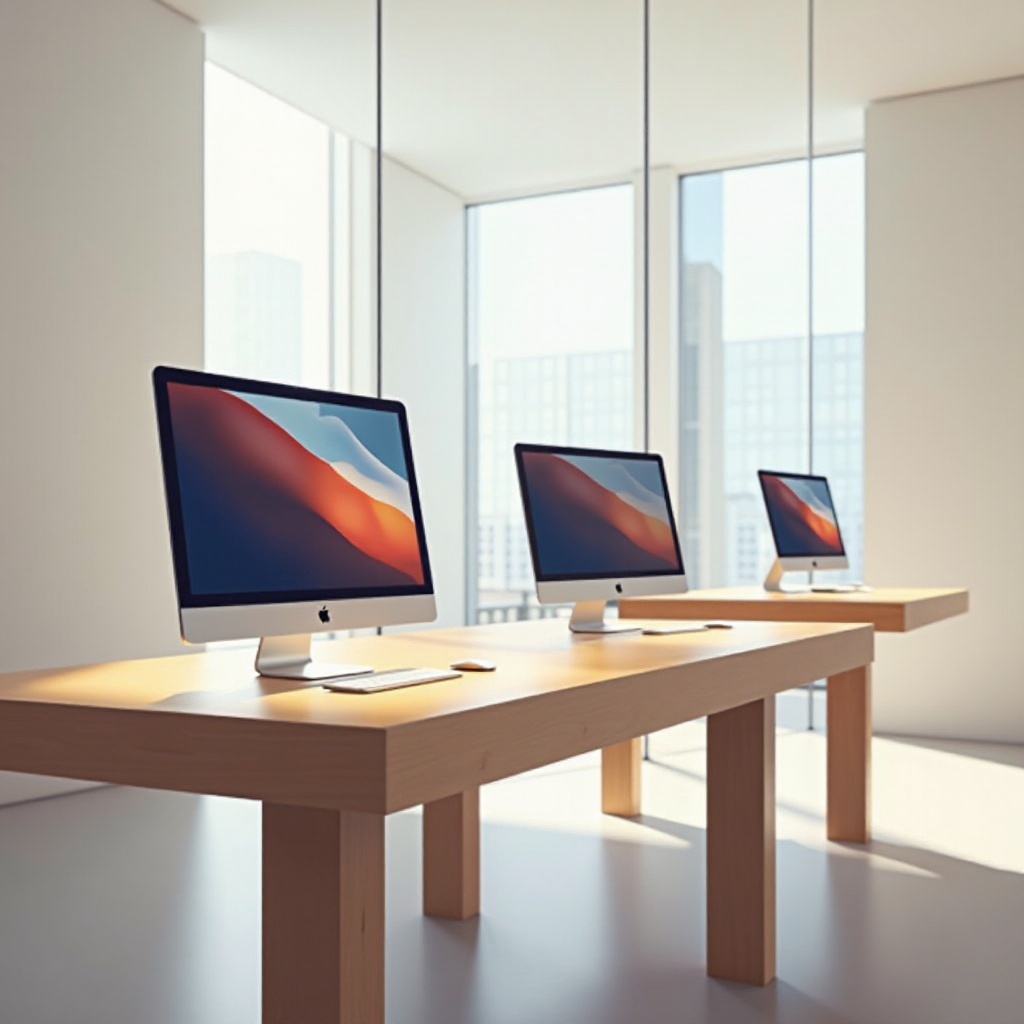
iMac 27-inch (with Retina 5K display): For those seeking a reliable desktop solution, the iMac’s 5K Retina display offers unparalleled clarity and color precision, making it a great fit for studio-based designers.
-
Mac Studio with Studio Display: Targeted at high-end professionals, the Mac Studio provides extensive customization and performance power, suitable for complex, resource-intensive projects.
-
Mac Mini (M2): This model offers a compact yet powerful computing solution for those who need flexibility without the bulk of larger setups, making it a cost-effective choice.
Each of these models provides different benefits, allowing you to match the technology to your creative requirements and budget.
Budget Considerations and Best Value Recommendations
Budget considerations are crucial when selecting your Mac. While high-end models deliver top-tier performance, it’s essential to weigh cost against need. For many, the MacBook Air with the M2 chip strikes an excellent balance between affordability and capability.
Exploring financing options or considering refurbished models might help align a high-performance model with budget constraints. It’s important to consider the long-term benefits of investing in a reliable machine, which can offset initial costs by enhancing efficiency and productivity.
Conclusion
Choosing the right Mac is about balancing your design demands with financial constraints. Every model mentioned provides unique strengths, whether it’s the powerhouse MacBook Pro or the budget-friendly Mac Mini, ensuring there’s something for every designer’s needs. By assessing your work requirements, you can select the Mac that enhances your creative potential.
Frequently Asked Questions
What is the best Mac for beginner graphic designers in 2024?
For beginners, the MacBook Air with the M2 chip is a great choice due to its balance of performance and affordability.
Can I use a Mac Mini for professional graphic design?
Yes, the Mac Mini with an M2 chip can handle professional design tasks, especially when paired with a high-quality monitor.
How often should I upgrade my Mac for graphic design work?
Upgrading every 4-5 years is advisable, or sooner if you’re experiencing performance issues with new design software.