Introduction
The rising popularity of glass screen monitors is changing how we view display technology. These monitors combine superior performance with modern aesthetics, making them a sought-after option for professionals and everyday users. This guide explores the advantages, potential drawbacks, suitable applications, and essential tips for selecting the right glass screen monitor.
What is a Glass Screen Monitor?
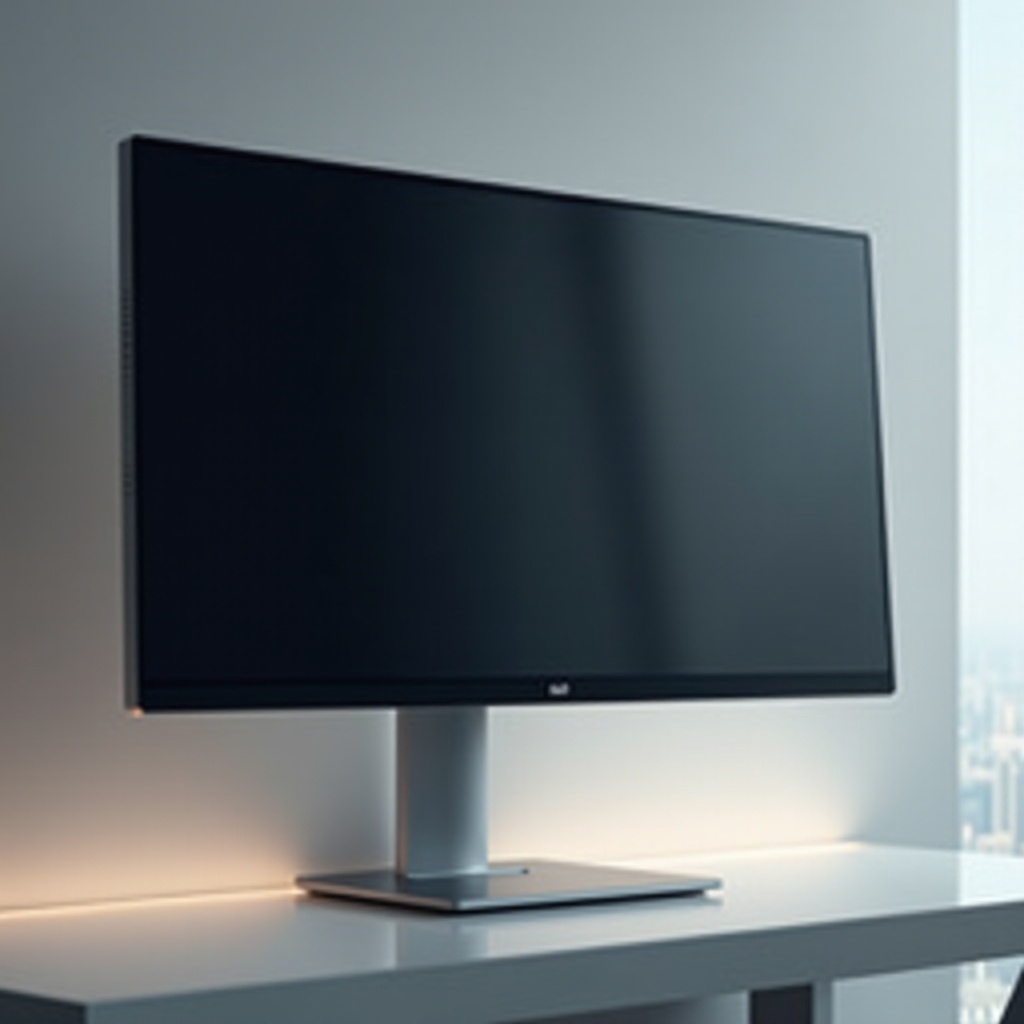
Glass screen monitors stand out with their sleek, modern design and durable nature. Unlike traditional matte screens, their glossy finish enhances color vibrancy and detail, making them ideal for demanding visual tasks. These monitors are popular in creative industries where precise color reproduction and sharp imagery are essential.
The glass material provides additional protection against scratches and impacts, a major advantage in settings where displays are frequently adjusted or moved. This extra durability, combined with their superior image quality, makes glass screens a compelling choice for specific professional needs.
Advantages of Glass Screen Monitors
Superior Display Quality
Glass screen monitors deliver exceptional image quality, featuring vibrant colors and deep visuals. Their glossy surfaces amplify color depth, making them a top choice for graphic design and photo editing. Whether you’re a digital artist or a gamer craving immersive visuals, the sharpness of glass screens enhances your viewing experience.
Durability and Longevity
The robust glass construction contributes to a longer lifespan by protecting against scratches and minor impacts. In environments with high usage demands, glass screen monitors prove to be a smart investment due to their durability.
Modern Aesthetic Appeal
The sleek appearance of glass screen monitors adds sophistication to any setup. Their stylish design aligns with contemporary office aesthetics, appealing to tech-savvy users who value both form and function.
Disadvantages of Glass Screen Monitors
Despite their benefits, glass screens present certain challenges that need consideration.
Glare and Reflection Issues
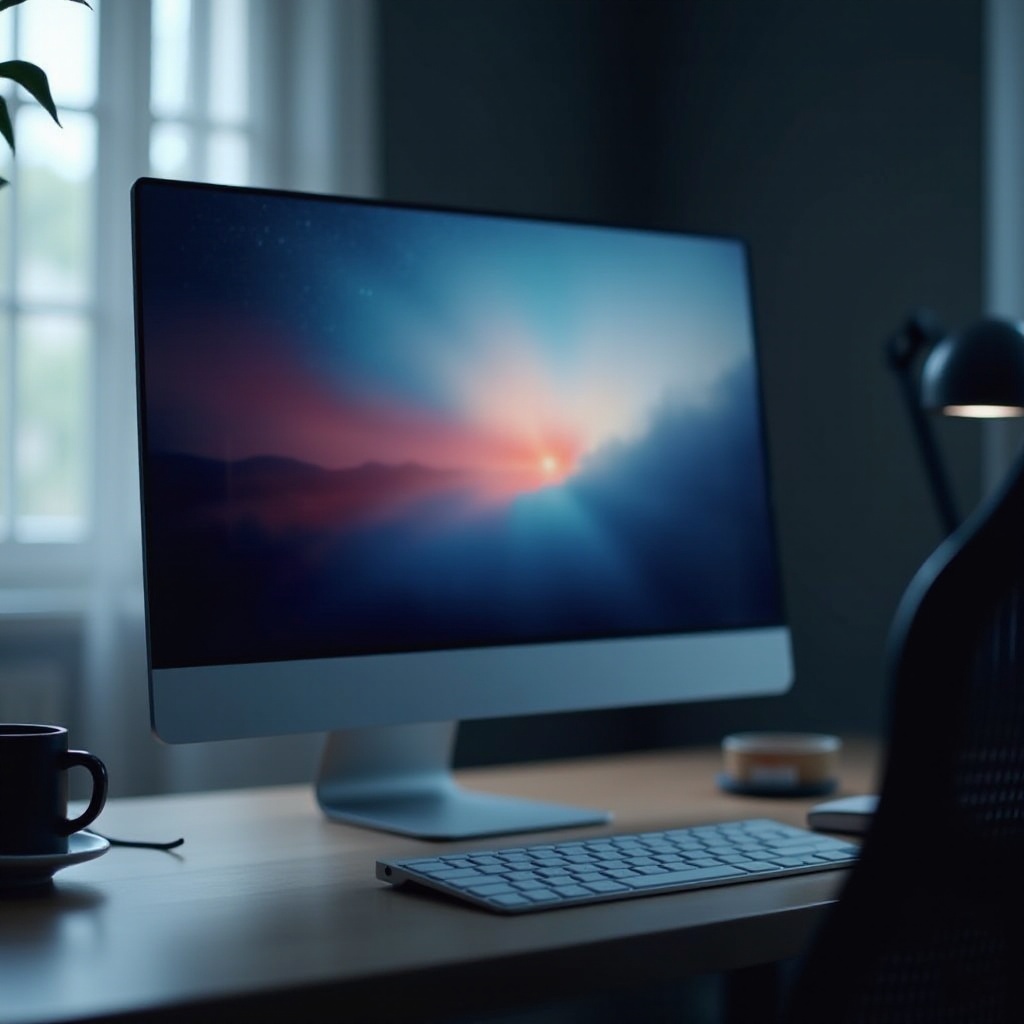
The glossy finish of glass screens can cause glare and reflect ambient light, creating visibility problems in brightly lit spaces. Users should consider monitor placement and may need additional accessories, like anti-glare films, to counteract these effects effectively.
Higher Cost
The advanced manufacturing processes and superior materials make glass screen monitors more expensive than matte options. Prospective buyers should assess if the benefits of superior quality justify the higher price.
Limited Model Availability
Glass monitors aren’t as prevalent as traditional matte options. This can limit choices for consumers with specific requirements regarding size and features. Availability may be a consideration for those looking for particular specifications.
Ideal Use Cases for Glass Screen Monitors
Given their unique qualities, glass screen monitors excel in specific applications.
Graphic Design and Creative Work
For professionals in graphic design, color accuracy is vital. Glass screen monitors offer the high-quality visuals necessary for tasks requiring precision, making them a preferred choice in creative studios.
High-Definition Gaming
Gamers seeking immersive experiences benefit from the vibrant and detailed visuals provided by glass screen monitors. The clarity and color depth enhance gaming visuals, offering heightened engagement.
Professional Video Editing
In video editing, where clarity and color fidelity are crucial, glass screens provide the needed precision. The enhanced visual quality aids in making accurate edits and adjustments in projects.
How to Choose the Right Glass Screen Monitor for You
Choosing a suitable glass screen monitor involves considering several factors to match your technical and aesthetic needs.
- Screen Size and Resolution: Select a size and resolution that fit your workspace and functional requirements.
- Connectivity Options: Ensure your monitor supports necessary connections like HDMI, DisplayPort, or USB-C for optimal integration.
- Refresh Rate Considerations: For gaming, prioritize monitors with higher refresh rates to enjoy smooth, lag-free visuals.
Maintenance and Care for Glass Screen Monitors
Proper maintenance extends the life and performance of glass screen monitors.
- Cleaning Tips: Use a microfiber cloth for gentle cleaning, avoiding scratches. Be wary of harsh chemicals that could damage the screen.
- Protective Measures: Employ protective covers or films to reduce glare and prevent dust, ensuring a prolonged lifespan for your monitor.
Conclusion
Glass screen monitors offer a blend of style, performance, and durability. Though they present issues like glare and cost, their benefits frequently outweigh these challenges, particularly for creatives or users seeking superior visuals. Understanding your needs is key to making the right choice.
Frequently Asked Questions
Do glass screen monitors cause more eye strain?
Glass screen monitors can cause increased eye strain due to glare. Proper positioning and anti-glare accessories can help mitigate this.
Are glass screen monitors suitable for office use?
Yes, they are suitable, especially where visual clarity is a priority. Consider placement to avoid glare issues.
How do I reduce glare on a glass screen monitor?
Position your monitor away from light sources and use anti-glare screens or filters to minimize reflections.