Introduction
The Ring Doorbell’s two-way communication feature is a cornerstone of modern home security. It offers homeowners the ability to directly communicate with visitors at their doorstep via their smartphone, enhancing both convenience and safety. Mastering this feature requires an understanding of setup, usage, and troubleshooting.
Setting Up Your Ring Doorbell for Communication
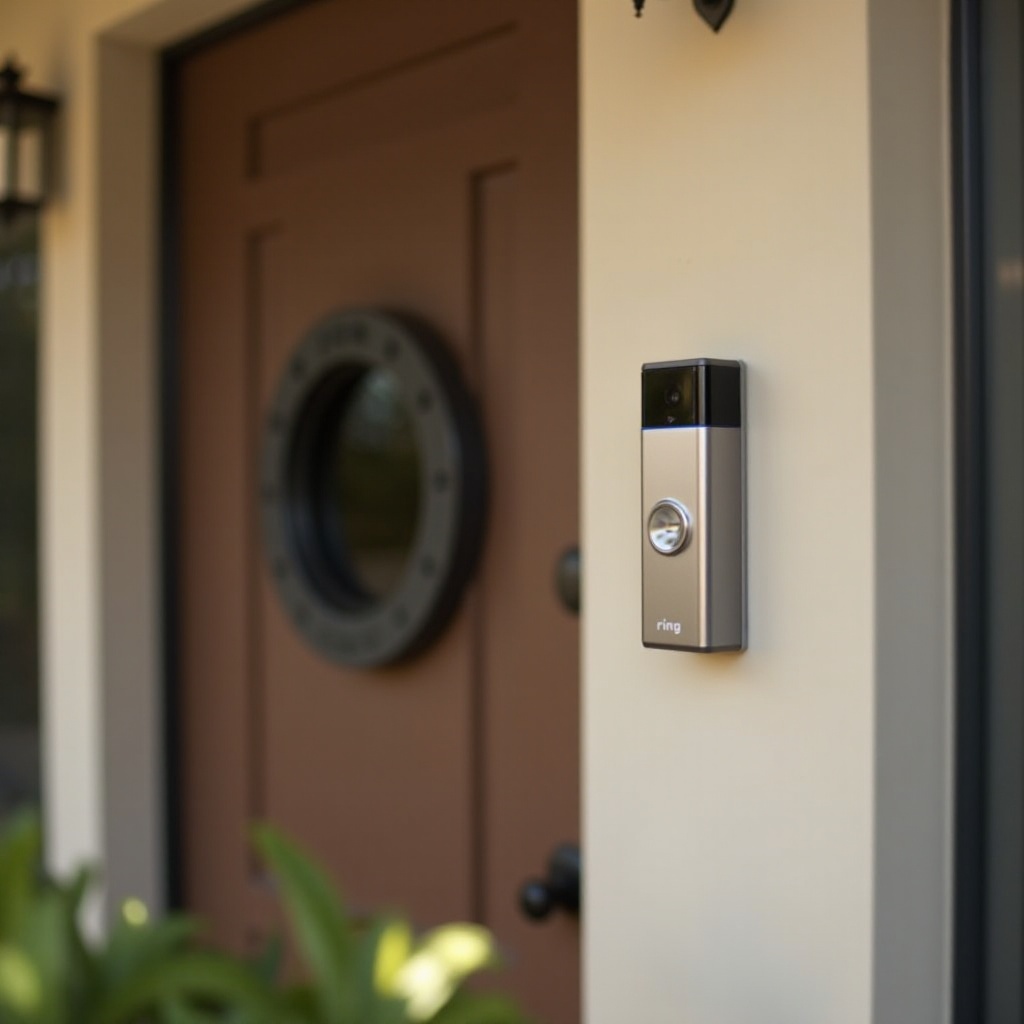
To utilize the two-way talk function, start with a correct installation of the Ring Doorbell.
- Installation and Physical Setup
- Begin by unboxing your Ring Doorbell and gathering essential tools such as a screwdriver and drill.
- Follow the instructions to mount the Ring Doorbell securely at your chosen location, using the included mounting bracket and screws.
-
Position the doorbell at a suitable height for optimal camera view and easy access for maintenance.
-
Connecting to Wi-Fi and the Ring App
- Download the Ring app from your app store and create an account or log in.
- Select ‘Set up a Device’ and connect your doorbell to Wi-Fi by following the app prompts.
- Ensure strong Wi-Fi signal by adjusting your router position or using a Wi-Fi extender.
Once your Ring Doorbell is installed and connected, you can confidently proceed to using its communication features.
Activating and Using the Two-Way Talk Feature
This feature allows you to engage with visitors, ensuring you stay connected and informed.
- Step-by-Step Instructions for First-Time Users
- Open the Ring app and go to your device dashboard.
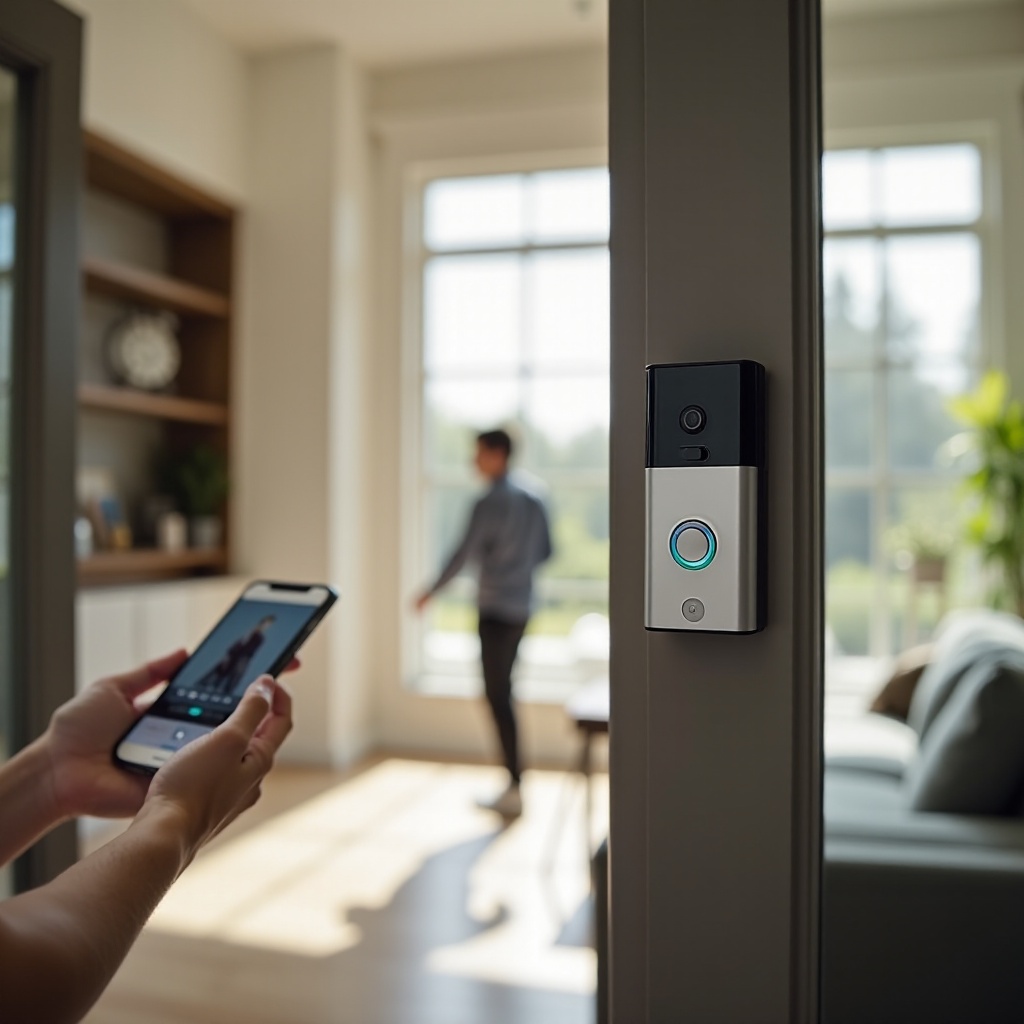
- When alerted by a ring or motion detection, tap the notification to access live video.
-
Use the ‘Speak’ button on the app’s interface to talk to your visitor.
-
Best Practices for Clear Communication
- Choose a quiet environment to reduce background noise.
- Speak clearly and at a moderate pace to ensure your voice is picked up accurately.
- Adjust the volume settings on your device and app for the best listening experience.
By practicing these steps, you’ll manage engagements with visitors smoothly, enhancing your home’s security.
Troubleshooting Common Issues
Even with setup done correctly, technical hiccups can occur. Addressing these promptly ensures seamless operation.
- Addressing Connectivity Problems
- Check your Wi-Fi signal strength and confirm there are no network outages.
- Restart your modem and router to refresh the connection.
-
If issues continue, reconnect your Ring Doorbell to the network using the app.
-
Improving Audio and Video Quality
- Clean the camera lens regularly for clear video quality.
- Ensure the microphone and speakers are unobstructed to improve sound quality.
- Keep the Ring app and device firmware updated for optimal functionality.
By keeping these troubleshooting tips in mind, you can maintain reliable communication through your Ring Doorbell.
Enhancing Your Ring Doorbell Experience
Integrating your Ring Doorbell with other smart home systems can significantly enhance its capabilities.
- Integrating with Other Smart Home Devices
- Sync your Ring Doorbell with platforms like Alexa or Google Home to enable voice-controlled operations.
-
Set up automated routines to trigger other devices, like smart lights, when motion is detected.
-
Tips for Optimal Audio Performance
- Conduct regular checks on your device’s microphone and speaker for consistent performance.
- Fine-tune the volume settings both on your Ring device and within the app.
- Consider using an external chime to ensure you never miss a visitor alert.
As your home becomes more interconnected, these integrations can create a more intuitive living space.
Advanced Features and Customizations
To further personalize your experience, explore the advanced features and customizations available.
- Creating Custom Pre-Recorded Responses
- Use the Ring app to create messages for different scenarios, such as delivery instructions.
-
Assign custom messages to respond to visitors appropriately without needing direct conversation.
-
Utilizing Voice Assistants Like Alexa and Google Home
- Connect your Ring Doorbell with these voice assistants for hands-free use.
- Command your smart displays to show the doorbell camera automatically when activated.
These customizations can tailor the Ring experience to fit your lifestyle and security needs more closely.
Conclusion
By understanding and utilizing the Ring Doorbell’s communication features, you can significantly enhance the safety and convenience of your home. From setup to advanced integrations, these tools offer peace of mind and efficient management of home interactions.
Frequently Asked Questions
How far can you be from your Ring Doorbell to use the Two-Way Talk feature?
You can use the two-way talk feature from anywhere with internet access on your device, regardless of the distance from your doorbell.
Can multiple users access the Two-Way Talk feature simultaneously?
Yes, several users can access the feature, but only one can communicate at a time. Additional users need to be added as shared users in the app.
What should I do if my Ring Doorbell microphone isn’t working?
Ensure your app and firmware are up-to-date, no obstructions are present, and reset the device if necessary. Contact Ring support for further issues.