
Introduction
The Apple Watch Ultra is a crucial companion for many tech enthusiasts, combining functionality with a sleek design. Yet, to make the most out of its features, it’s essential to understand and optimize its charge time. This comprehensive guide offers insights into the factors affecting charge time and provides practical strategies to enhance your charging experience.
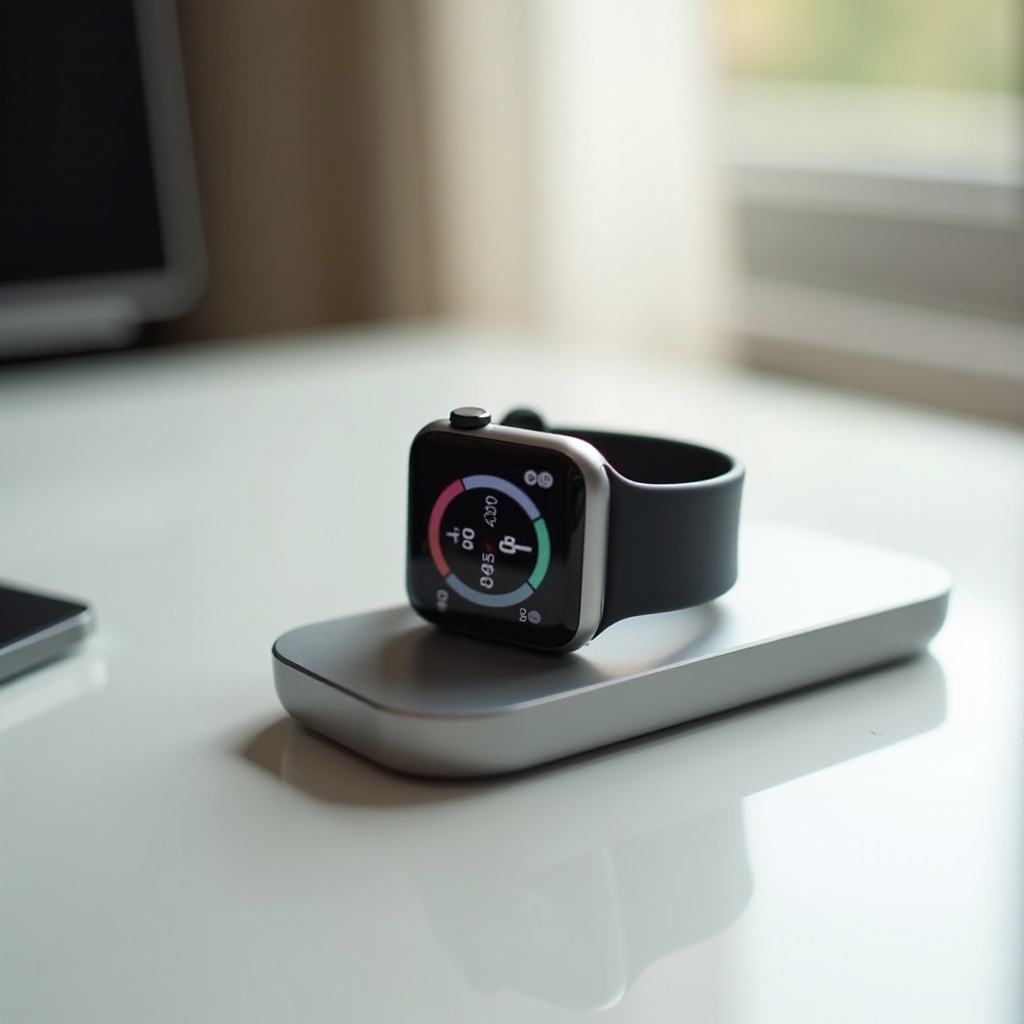
Key Factors Influencing Apple Watch Ultra Charge Time
Understanding the various elements that affect charging efficiency helps users make informed decisions.
-
Battery Capacity and Technology: The Apple Watch Ultra uses advanced battery technology designed for extended use. While these lithium-ion batteries offer strong performance, they have specific charging characteristics that users need to consider.
-
Charger Type and Compatibility: Opt for Apple-certified chargers to ensure optimal charge times. Though third-party chargers might be budget-friendly, they can slow charging or potentially damage the device.
-
Software Updates and Background Activity: Keeping WatchOS updated is vital. Outdated software can hinder efficient charging cycles, and unseen background processes can increase power consumption, prolonging charging times.
With this foundational knowledge, you can begin to fine-tune your charging process using proven strategies.
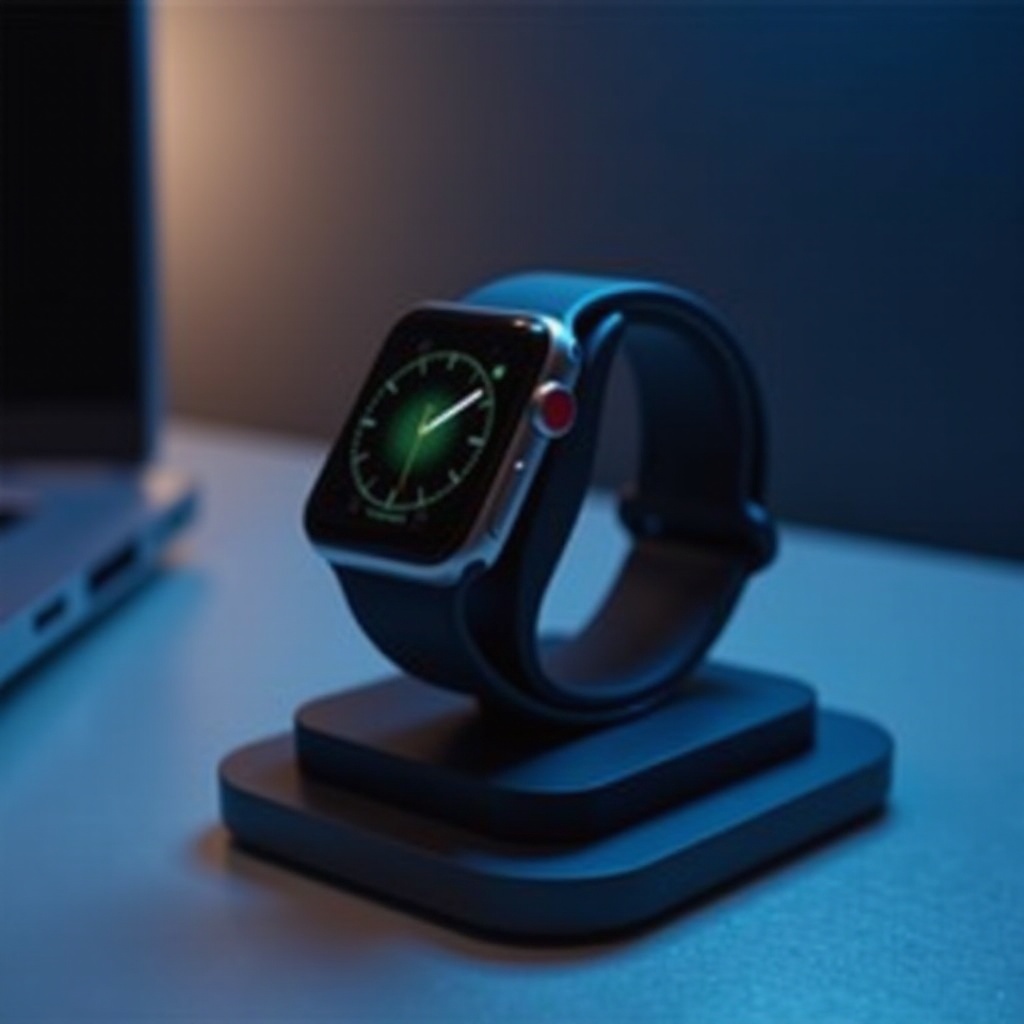
Optimizing Charge Speed for Your Apple Watch Ultra
To achieve maximum charging efficiency, consider these strategies:
-
Use Official Apple Chargers: Always stick to the charger provided with the Apple Watch Ultra. Non-certified chargers may cause charging inefficiencies and risk device damage.
-
Leveraging Airplane Mode and Low Power Mode: Enabling airplane mode while charging reduces background tasks, leading to a faster charge. Similarly, using low power mode helps conserve battery energy, enhancing charging speed.
-
Importance of Software Updates: Regular software updates are necessary for improved battery life management. Ensuring your device is running the latest WatchOS version guarantees it benefits from battery life optimizations and fixes.
These methods provide a robust foundation that aids users in tackling potential charging challenges and enhances overall device performance.
Troubleshooting Common Charging Problems
Even with optimal practices, users might encounter issues. Here’s how to address them effectively:
-
Identifying Charging Issues: Start by checking connections. Ensure the charger is plugged into a powered outlet and fitted correctly to the watch. Debris on the charging contacts can affect the connection.
-
Recalibrating the Battery: If charge levels appear inconsistent, recalibrating might help. Allow the watch to run down completely, then charge uninterrupted to full capacity. This recalibration can reset battery algorithms for more accurate readings.
-
When to Seek Apple Support: Persistent charging problems may imply hardware issues, necessitating a visit to an Apple Store or contact with support.
Understanding how to troubleshoot efficiently ensures a smooth experience. Comparing the Apple Watch Ultra’s charge time with other brands further clarifies its performance rankings.
Comparing Apple Watch Ultra Charge Times with Other Smartwatches
Examining how the Apple Watch Ultra measures up against its rivals sheds light on its standing in the market:
-
Apple Watch Ultra vs. Samsung Galaxy Watch: Samsung’s Galaxy Watch is recognized for its battery capabilities, yet the rapid charging offers of the Apple Watch Ultra make it a compelling choice for users requiring swift turnaround.
-
Apple Watch Ultra vs. Fitbit: Fitbits boast extensive battery life, often exceeding the Ultra in longevity. However, the Apple Watch balances its battery life with significantly faster charging.
-
Understanding Market Standards: The Apple Watch Ultra holds its ground within the competitive landscape by combining design, functionality, and efficient charge times.
This comparison highlights the Apple Watch Ultra’s effectiveness, underscoring the importance of good maintenance practices for sustained performance.
Best Practices for Maintaining Battery Health
Maintaining your Apple Watch Ultra’s battery health is crucial for longevity. Consider these tips:
-
Avoid Overcharging: Regular overnight charging can over-stress the battery. Aim to keep charge levels within a 20% to 80% range for optimal battery preservation.
-
Regular Maintenance Tips: Regularly checking and cleaning the charging equipment ensures good contact and efficiency, maintaining consistent performance.
-
Optimal Charging Cycles: Following Apple’s guidance on charge cycles and usage helps keep the battery cells active and healthy.
Adopting these practices supports long-term device health, enhancing user satisfaction.
Conclusion
Understanding the intricacies of the Apple Watch Ultra’s charging system empowers users to maximize device potential. By embracing strategic charging practices and regular maintenance, users can assure their watch stays in prime condition, offering reliable performance and satisfaction.
Frequently Asked Questions
How long should it take to fully charge an Apple Watch Ultra?
Typically, a full charge from 0% to 100% takes about 90 minutes, leveraging the device’s fast-charging capabilities.
Can I use third-party chargers for my Apple Watch Ultra?
While possible, using Apple-certified chargers is recommended to ensure optimal performance and prevent hardware issues.
Does using a fast charger affect the battery life of the Apple Watch Ultra?
Apple’s fast-charging technology is designed to protect battery health while enabling rapid recharging, mitigating any negative impacts.