Introduction
Nintendo Switch remains a favorite among gamers, offering a unique blend of portable and home console gaming. With the surge in online content sharing, many are curious: ‘Can you stream on Nintendo Switch?’ Sharing gameplay via streaming is a fantastic way to connect with the broader gaming community. This guide aims to demystify the streaming process for Nintendo Switch, guiding you through essential steps so that you can start broadcasting your gameplay to the world.
Understanding the Streaming Capabilities of Nintendo Switch
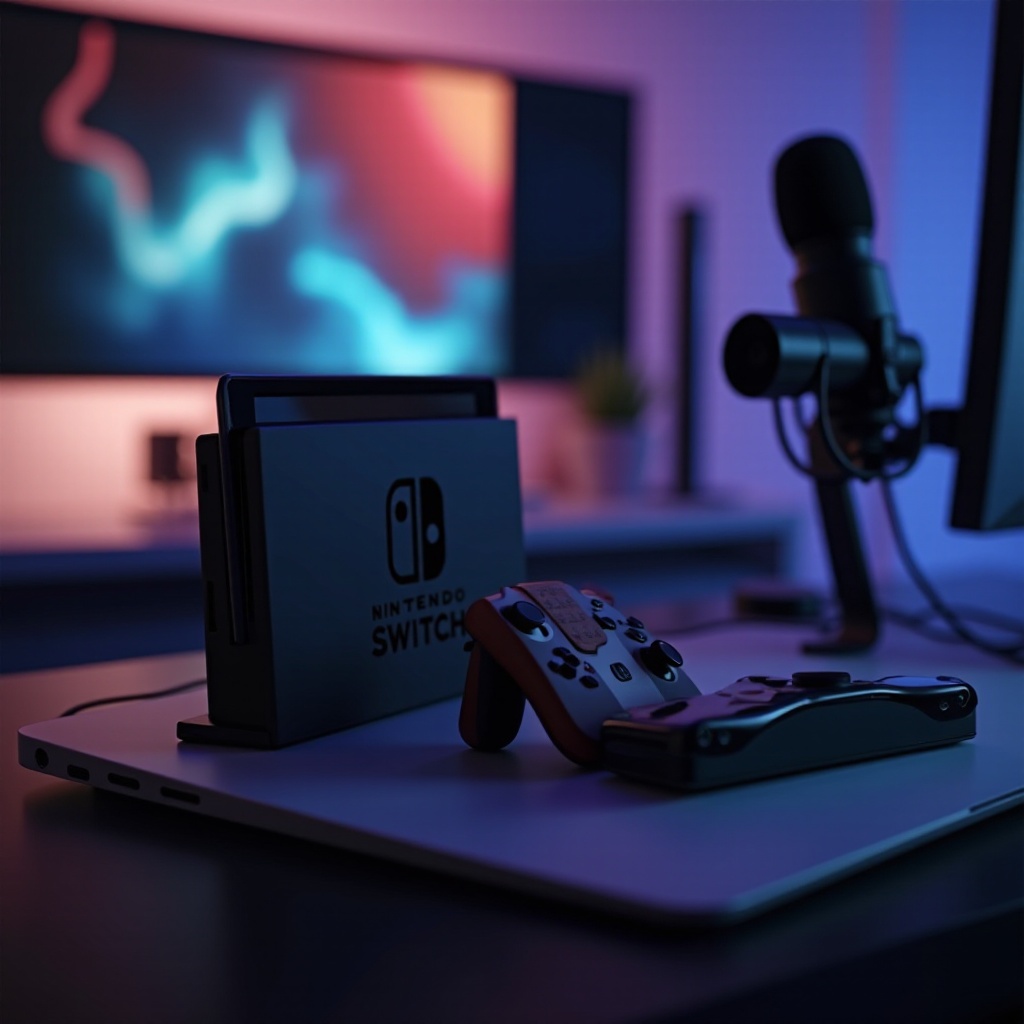
The Nintendo Switch, despite its many features, does not come with native streaming capabilities found on consoles like PlayStation or Xbox. However, this doesn’t mean Switch owners are out of options. You’ll need additional tools and some setup to seamlessly stream your gameplay. In this section, we deepen our understanding of the Nintendo Switch’s capabilities in conjunction with the hardware and software needed for streaming, setting the foundation for a successful setup.
Setting Up Your Nintendo Switch for Streaming
Understanding the basic requirements leads us to the next critical phase: the equipment setup for streaming. To successfully stream from your Nintendo Switch, ensure you have:
- A reliable capture card like the Elgato HD60 S.
- HDMI cables and USB connections for linking your devices.
- A PC or laptop to receive and broadcast the stream.
- Streaming software such as OBS Studio or Streamlabs OBS.
Begin by connecting the Nintendo Switch to the capture card with an HDMI cable. Then, link the capture card to your PC using a USB connection. This setup allows your Switch gameplay to be streamed via your computer to an online audience.
Now that we have established the physical connection, the next step involves selecting a streaming platform that aligns with your goals and audience preferences.
Choosing the Right Streaming Platform
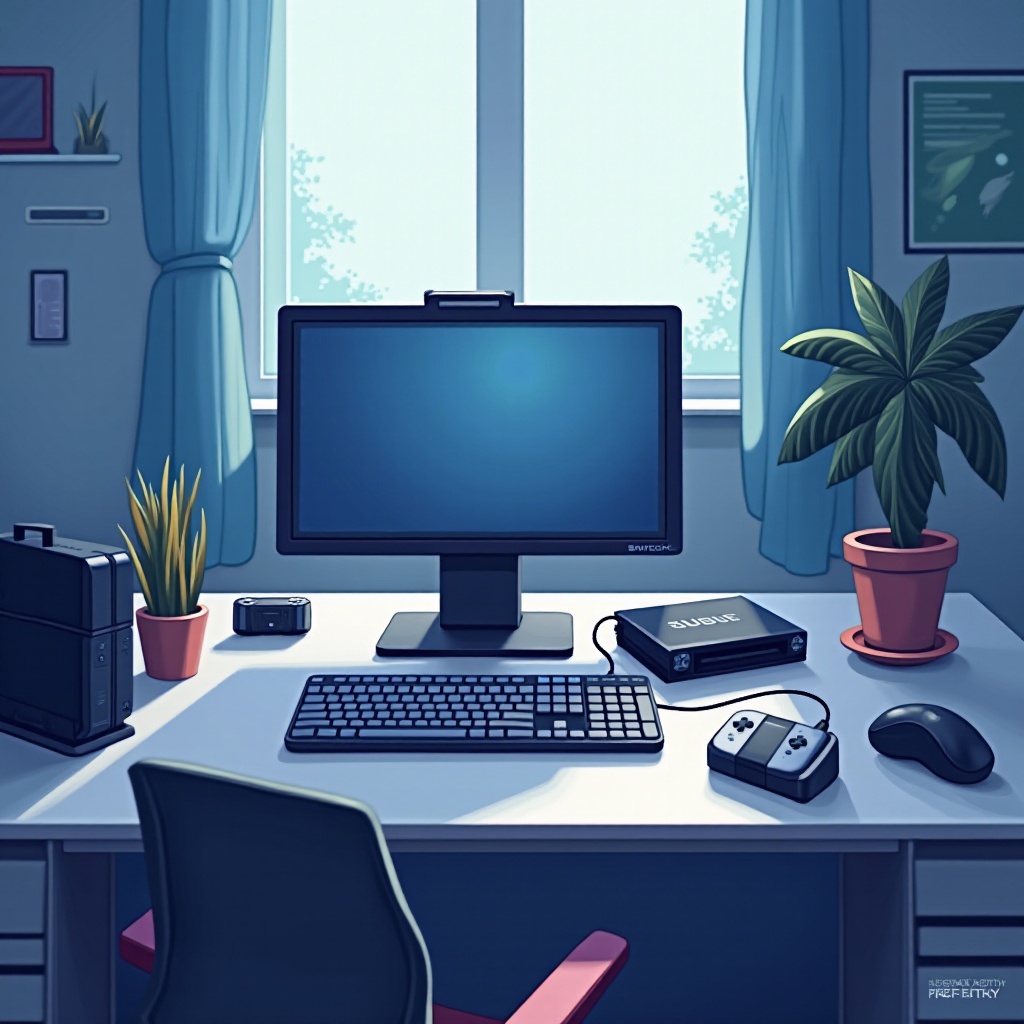
Selecting the appropriate streaming platform is crucial to reaching your targeted audience. Platforms like Twitch and YouTube offer different features that can complement your streaming objectives:
- Twitch provides a highly interactive environment and is designed for real-time communication with viewers. Its large viewer base and established reputation as a gaming hub make it ideal for live gaming streams.
- YouTube Gaming offers the advantage of longevity, as streams are saved and accessible as videos after broadcasting, allowing content to gain views over time.
Both platforms have unique advantages depending on what you’re looking to achieve, whether it be engaging in live interactions or building a content library. With your platform selected, setting up streaming software is the next logical step.
Installing and Configuring Streaming Software
Successfully streaming requires reliable software to handle video and audio processing. Follow these steps to get started:
- Download either OBS Studio or Streamlabs OBS from their official websites—both are excellent for different levels of expertise.
- Configure your video settings to a resolution and frame rate that your hardware supports and your internet connection can handle.
- Set up scenes and sources within the software to include overlays, alerts, and a webcam if desired.
These settings prepare you to deliver high-quality streaming content. In the final section, we will cover tips to ensure your streaming sessions are engaging and technically sound, thus enhancing viewer experience.
Enhancing Your Streaming Experience
An excellent streaming setup means little without engaging content. Here are some strategies to enhance your stream:
- Actively interact with your audience by reading and responding to chat messages. Polls and viewer-driven game decisions increase engagement.
- Regularly troubleshoot streaming quality by checking your internet speed and ensuring equipment is functioning properly.
These small adjustments can significantly improve the quality and appeal of your broadcasts, ultimately helping to grow your audience. Let’s wrap up this guide with some final thoughts.
Conclusion
Streaming on Nintendo Switch may require more setup compared to other consoles, but with the right equipment and a bit of patience, you can create engaging, high-quality streams that resonate with audiences. Whether you’re showcasing skills, building a community, or simply having fun, the ability to stream opens up new dimensions of gaming enjoyment.
Frequently Asked Questions
Can you stream on Nintendo Switch without a capture card?
Generally, a capture card is essential for high-quality streaming as it allows gameplay to be processed and broadcasted through a PC.
What are the best capture cards for Nintendo Switch?
The Elgato HD60 S and AVerMedia Live Gamer Portable 2 Plus are popular choices, known for their reliability and ease of use.
Are there any free software options for streaming Nintendo Switch?
Yes, OBS Studio and Streamlabs OBS are free, popular options that provide robust features for streaming.