Introduction
The Nintendo Switch has captivated gamers worldwide, offering the versatility of handheld and console gaming. Central to this flexibility are the Joy-Con controllers, which ensure an engaging gaming experience. It’s crucial to know the best ways to charge these controllers to keep your gaming sessions uninterrupted and enjoyable. This guide covers various charging methods, ensuring your Joy-Cons are always powered and ready for action. Let’s explore how to keep them charged effectively.
Understanding Joy-Con Charging Basics
Joy-Cons are a key component of the Nintendo Switch experience, capable of supporting both handheld and docked play. Typically, their rechargeable batteries provide around 20 hours of gameplay, depending on usage. To avoid disruptive gaming pauses, it’s important to keep them charged. There are multiple ways to charge Joy-Cons, from using the console itself to employing various accessories. Understanding these foundational charging methods will help you select the most practical and efficient option for your needs.
Charging Joy-Cons Directly on the Nintendo Switch Console
Charging Joy-Cons directly on the console is a simple and effective method. Here’s the process:
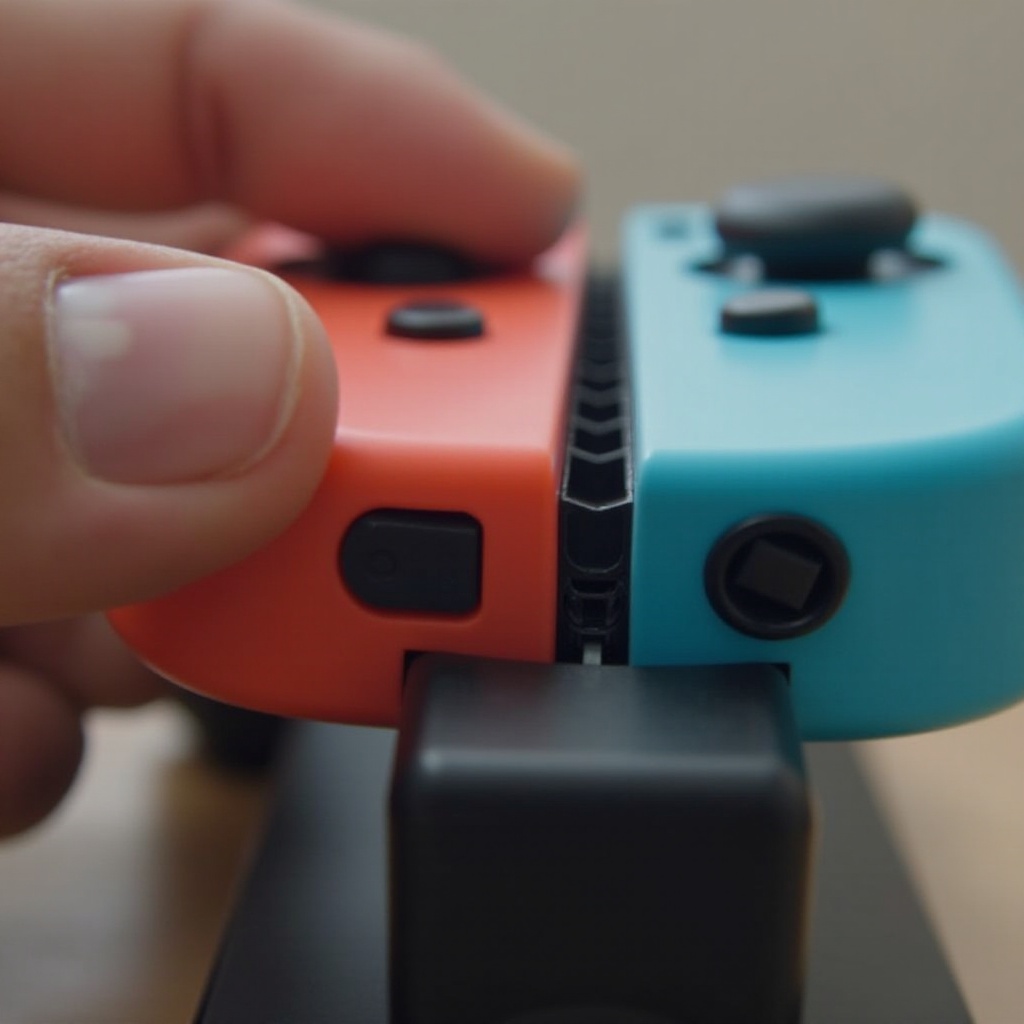
- Attach the Joy-Cons to the Console: Slide the Joy-Cons into the rails on the sides of your Nintendo Switch until a click signals they are securely connected.
- Connect to a Power Source: Ensure the console is either docked and connected to a TV or directly connected to a charger.
- Monitor Charging Status: Verify that the Joy-Cons are charging by checking the battery icons on the console’s screen.
This method allows you to charge and play simultaneously, bridging the gap between gaming and powering up.
Using a Joy-Con Charging Grip: Step-by-Step Guide
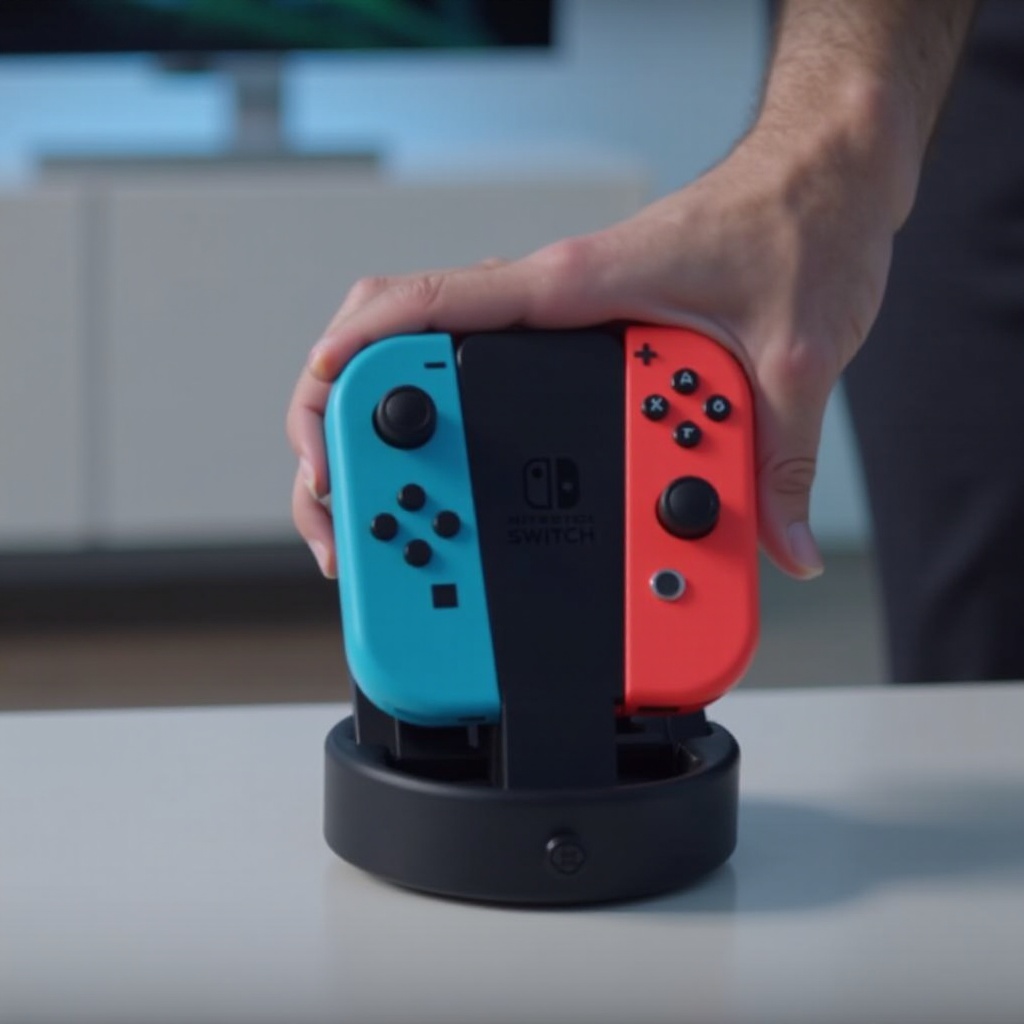
If you want to continue playing even while charging, the Joy-Con Charging Grip provides a convenient solution. Here’s how you use it:
- Attach Joy-Cons to the Grip: Slide each Joy-Con into the grip until they click into place.
- Connect to Power: Use a USB cable to connect the grip to a power source.
- Confirm Charging: Check the LEDs on the grip or the console interface to ensure the Joy-Cons are charging.
This method gives you the freedom to extend your gaming sessions without fretting over draining batteries—a big plus for passionate gamers.
Exploring Joy-Con Charging Docks
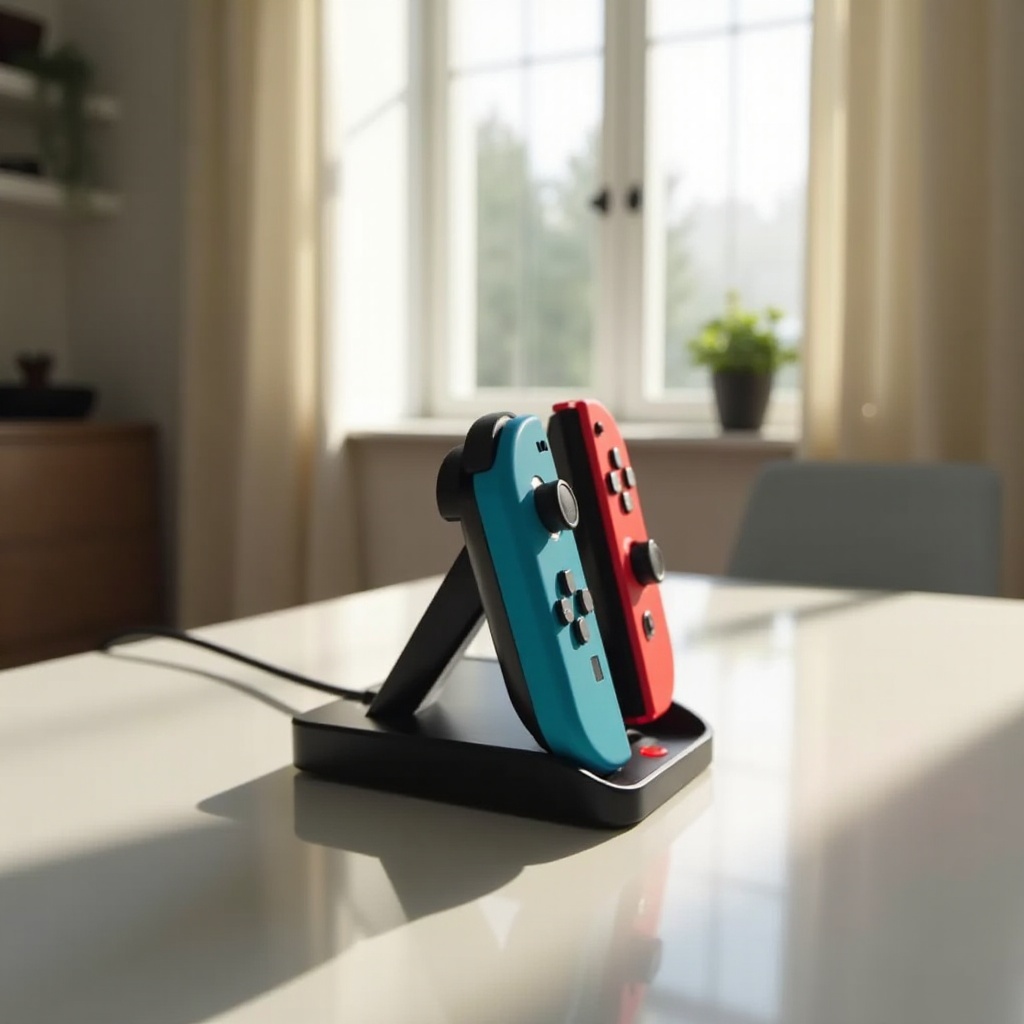
Charging docks are a smart choice for households with multiple controllers, allowing simultaneous charging. Here’s what you need to do:
- Position the Dock: Place the dock on a stable surface and connect it to a power source.
- Insert Joy-Cons: Slide up to four Joy-Cons onto the dock slots.
- Check LED Indicators: Make sure the charging lights show that all controllers are getting charged.
By using charging docks, you streamline the process of keeping multiple controllers ready to go, ensuring smooth gaming experiences for everyone.
Best Practices for Maintaining Joy-Con Battery Health
To ensure your Joy-Cons’ batteries last as long as possible, adhere to these best practices:
- Avoid Complete Discharge: Regularly charge before the battery completely drains to maintain longevity.
- Charge in Suitable Conditions: Use a cool, dry location to prevent overheating and maximize battery efficiency.
- Opt for Official Chargers: Stick to branded chargers to avoid the risk of inconsistent charging harming the battery.
Adhering to these guidelines not only helps in extending battery life but also improves overall controller performance.
Troubleshooting Common Joy-Con Charging Issues
If you encounter problems while charging your Joy-Cons, you can resolve them by following these steps:
- Verify Connections: Make sure Joy-Cons are properly connected to the charging device, and the power source is active.
- Inspect for Damage: Look for any visible wear on the Joy-Cons or chargers that might be affecting performance.
- Test Alternative Solutions: Try different charging methods or devices if problems persist to identify the issue.
With these troubleshooting steps, you can quickly address any issues, minimizing downtime and allowing you to dive back into your gaming adventures.
Advanced Charging Accessories and Solutions
For those with more demanding charging needs, advanced accessories offer enhanced capabilities:
- Portable Power Banks: Take your gaming on the go by charging Joy-Cons with portable options during travel.
- High-Capacity Charging Stations: Explore larger setups to support multiple devices simultaneously.
- Quick-Charge Adapters: Use adapters that expedite charging times without sacrificing battery health.
These advanced solutions are particularly valuable for gamers who engage in long and frequent gaming sessions, ensuring they stay powered up.
Conclusion
Staying informed about the various ways to charge your Joy-Cons is key to ensuring they’re ready whenever you are. From straightforward console connections to comprehensive docking solutions, you have plenty of options suited to different gaming lifestyles. Keep your controllers charged and your gaming experiences seamless by implementing these effective strategies.
Frequently Asked Questions
How long does it take to fully charge a Joy-Con?
Charging a Joy-Con fully usually takes about 3.5 hours using official equipment for optimal efficiency.
Can you charge Joy-Cons while the Nintendo Switch is in sleep mode?
Yes, Joy-Cons can be charged while the Switch is in sleep mode, provided it is connected to a power source.
What should I do if my Joy-Con isn’t charging properly?
First, ensure all connections are secure and the power source is active. If the issue persists, try alternative accessories or seek support assistance.