Introduction
The Ring Doorbell is a key component in modern smart home security systems, giving homeowners the ability to monitor and secure their front doors effectively. With its vast array of features, understanding the battery life is crucial to ensuring your device functions optimally. Knowing how long the Ring Doorbell battery lasts can guide you in scheduling regular maintenance and planning ahead for replacements, thus maintaining the seamless operation of your home security setup.
Factors Influencing Ring Doorbell Battery Life
Battery life for Ring Doorbells doesn’t follow a one-size-fits-all rule—various factors play significant roles in its duration. Recognizing these variables can aid in making informed decisions regarding your device’s operation.
- Different Ring Doorbell Models: Each Ring Doorbell model offers a unique battery life. With advancements in technology, newer models tend to possess enhanced battery efficiency, whereas older versions might demand more frequent recharges.
- Frequency and Intensity of Usage: High-frequency motion detections and regular use of the live view feature accelerate battery depletion. Doorbells installed in bustling areas often necessitate more frequent charging compared to those in quieter locations.
- Environmental and Weather Conditions: Extreme temperatures can adversely affect battery performance. Cold conditions may reduce efficacy, while intense heat can prompt quicker discharge rates.
Understanding these factors allows for the adoption of adaptive strategies aimed at preserving battery life. This awareness ensures users can enjoy longer intervals between charging sessions.
Transitioning from understanding factors that impact battery life, it’s essential to establish realistic expectations regarding your device’s performance.
Average Battery Lifespan
Awareness of average battery expectancy helps in planning and maintaining uninterrupted device functionality. Here’s what most users encounter:
- Typical Performance Metrics for 2024 Models: Generally, under standard conditions, a Ring Doorbell battery can last between 6 and 12 months. This assumes a moderate usage level and average weather conditions.
- Expected Variations Based on Usage Patterns: If positioned in a highly-trafficked area experiencing frequent activations, the battery may only last 3 to 4 months. Conversely, in a low-activity setting, it could go well beyond a year.
Equipped with this knowledge, users can better strategize and address their specific battery-related needs. Next, let’s explore techniques that extend the battery life of your device.
Tips for Extending Your Ring Doorbell Battery Life
Increasing the battery lifespan of your Ring Doorbell is achievable with straightforward adjustments and regular maintenance. You can ensure continued performance by adopting the following strategies:
- Adjusting Motion Detection Settings: By optimizing detection zones, you can reduce the number of unnecessary motion alerts. Focus only on crucial areas to conserve battery power.
- Reducing Video Recording Time: Limiting the duration of recorded events directly correlates with power conservation.
- Regular Software Updates and Maintenance: Updating your Ring Doorbell’s firmware can introduce optimizations that enhance battery longevity. Ensure routine maintenance checks to keep the device operating efficiently.
Employing these practices not only extends the battery life but also enhances the reliability of your security system, reducing potential downtimes.
To sustain uninterrupted functionality, it’s also crucial to manage battery replacements effectively.
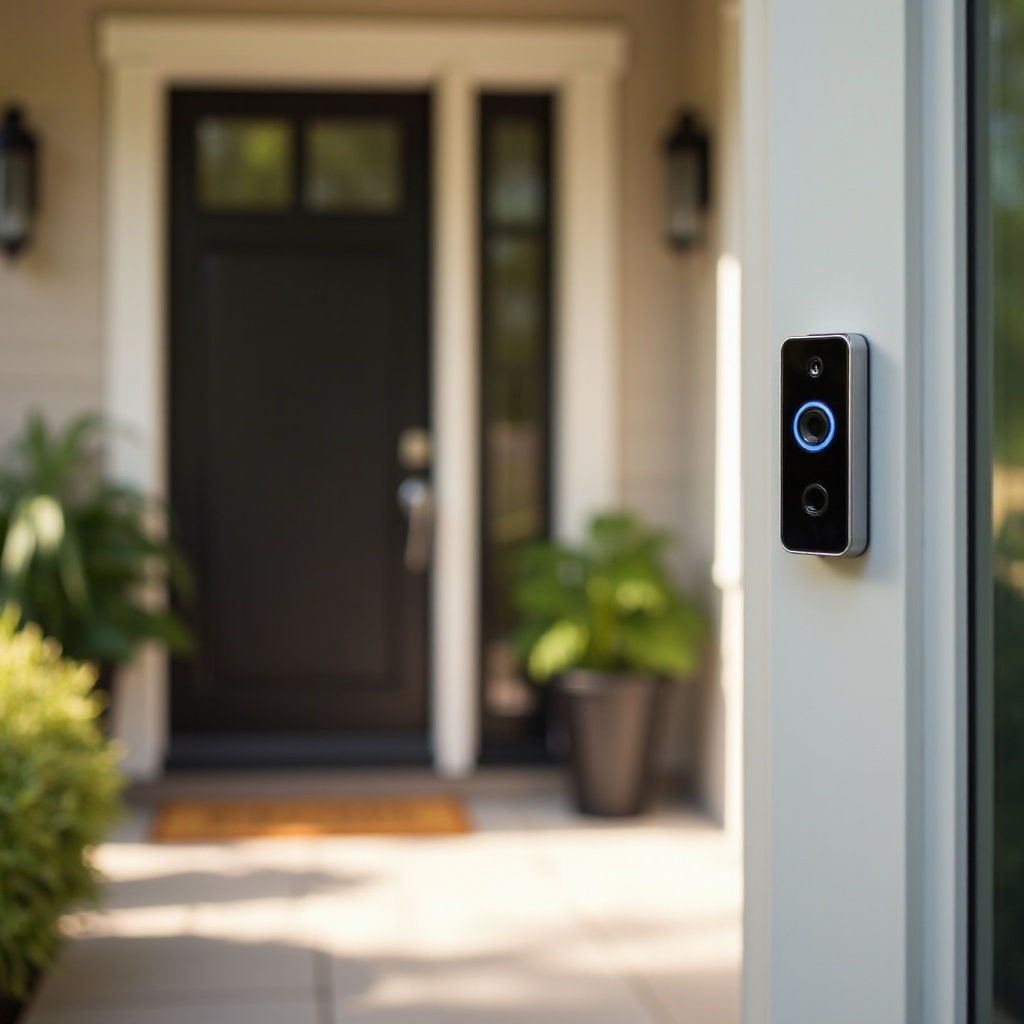
Dealing with Battery Replacement and Backups
Acknowledging when to replace your battery and having backup solutions in place is vital for maintaining device readiness and security.
- Identifying When to Replace Your Battery: Monitor the battery status via the Ring app. Consistently low power levels indicate replacement necessities, ensuring your device remains dependable.
- Best Practices for Using Backup Batteries: Having a spare, fully charged battery readily available ensures there’s no lapse in your doorbell’s functionality during replacement.
Efficient battery management involves being prepared—keeping backups on hand mitigates potential disruptions, maintaining constant security coverage.
Following battery management, connectivity and integrations with other systems can also influence device efficiency.
Impact of Connectivity and Systems Integration
Connectivity is a fundamental aspect affecting the operation and battery consumption of your Ring Doorbell. Using smart integrations can enhance overall efficiency:
- Effect of Wi-Fi Signal Strength: A robust and stable Wi-Fi connection supports optimal device performance. Minimizing disconnections alleviates excessive power usage.
- Benefits of Integrating with Other Smart Home Devices: Centralizing your setup through compatible smart home devices reduces redundant processing, which can lead to sustained battery efficiency.
A seamless integration strategy ensures that your Ring Doorbell operates within a well-coordinated system, enhancing battery longevity while delivering consistent security.
In conclusion, understanding how each aspect of your setup impacts battery life can guide you in making the best choices for maintaining your device’s efficiency.
Conclusion
Maximizing the Ring Doorbell’s battery life requires a comprehensive understanding of influential factors and the proactive application of best practices. Through these methods, you can ensure sustained, reliable performance of your smart home security system, avoiding unexpected downtimes and enhancing peace of mind.
Frequently Asked Questions
How often should I charge my Ring Doorbell battery?
This depends on usage and environmental factors, but typically every 6 to 12 months is sufficient.
What should I do if my battery drains faster than expected?
Check for frequent motion activations or poor Wi-Fi connectivity, and consider adjusting settings or upgrading to a newer model.
Is there a way to check the battery health on my Ring Doorbell?
Yes, via the Ring app, where you can monitor your device’s battery status and receive alerts when it’s time to charge or replace it.