Introduction
Charging your PS5 controller effectively is crucial for uninterrupted gaming. While the PS5 console provides a straightforward charging solution, many gamers wonder if a wall outlet can serve as an alternative option. This article examines charging your PS5 controller with a wall outlet, offering detailed instructions, addressing safety concerns, and weighing alternative charging methods. Grasping these elements can enhance your controller’s battery life and optimize your gaming sessions.
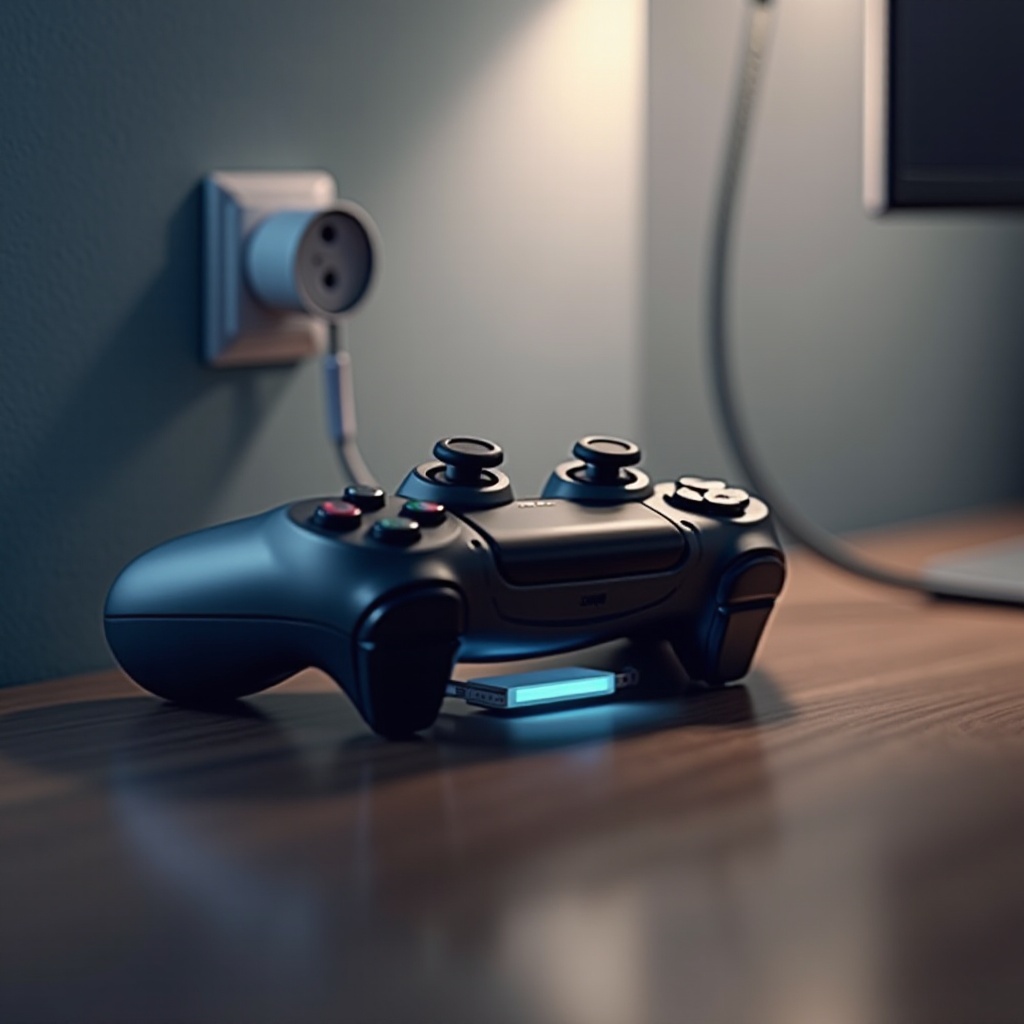
Why Consider Charging Your PS5 Controller with a Wall Outlet?
Charging via a wall outlet brings several advantages. It frees up your console for gameplay while keeping it from doubling as a charging station. In many cases, wall outlets offer faster charging, contingent on the adapter’s output. This method is also practical if multiple accessories require power. However, it’s vital to balance these benefits against safety concerns and equipment compatibility to ensure reliable performance.
How to Properly Charge Your PS5 Controller Using a Wall Outlet
Charging your PS5 controller with a wall outlet is straightforward with the right steps:
- Required Equipment:
- A compatible USB-C cable for your PS5 controller.
-
A power adapter with appropriate voltage and amperage (typically 5V/1.5A).
-
Step-by-Step Charging Guide:
- Attach the USB-C cable to your controller’s charging port.
- Connect the opposite end of the cable into the power adapter.
-
Insert the adapter into a wall outlet and secure the connection.
-
Ensuring a Secure Connection:
- Confirm the charging light on your controller is lit, indicating power flow.
- Avoid cable stretching or bending to minimize damage risk.
Adhering to these steps will help ensure efficient and safe charging, reducing potential battery or device damage.
Safety and Compatibility Concerns
Considering safety and compatibility is essential when using a wall outlet, as it safeguards your controller from damage. Non-approved adapters or cables may induce overheating or reduce battery life. Opt for manufacturer-recommended accessories or those certified for safety.
- Approved Adapters and Cables:
- Choose adapters and cables tailored for PS5 controllers.
-
Search for labels verifying safety standard compliance.
-
Manufacturer’s Safety Guidelines:
- Heed Sony’s charging recommendations.
-
Resist third-party tools lacking explicit approval.
-
Overheating and Battery Health:
- Maintain a moderate room temperature during charging.
- Disconnect the charger when the controller is fully charged to avert overheating.
Following these guidelines helps prolong your controller’s battery health and performance while reducing risks tied to improper charging gear.
The transition from detailed charging methods segues smoothly into exploring alternative charging options fitting your lifestyle and preferences.
Alternative Charging Methods
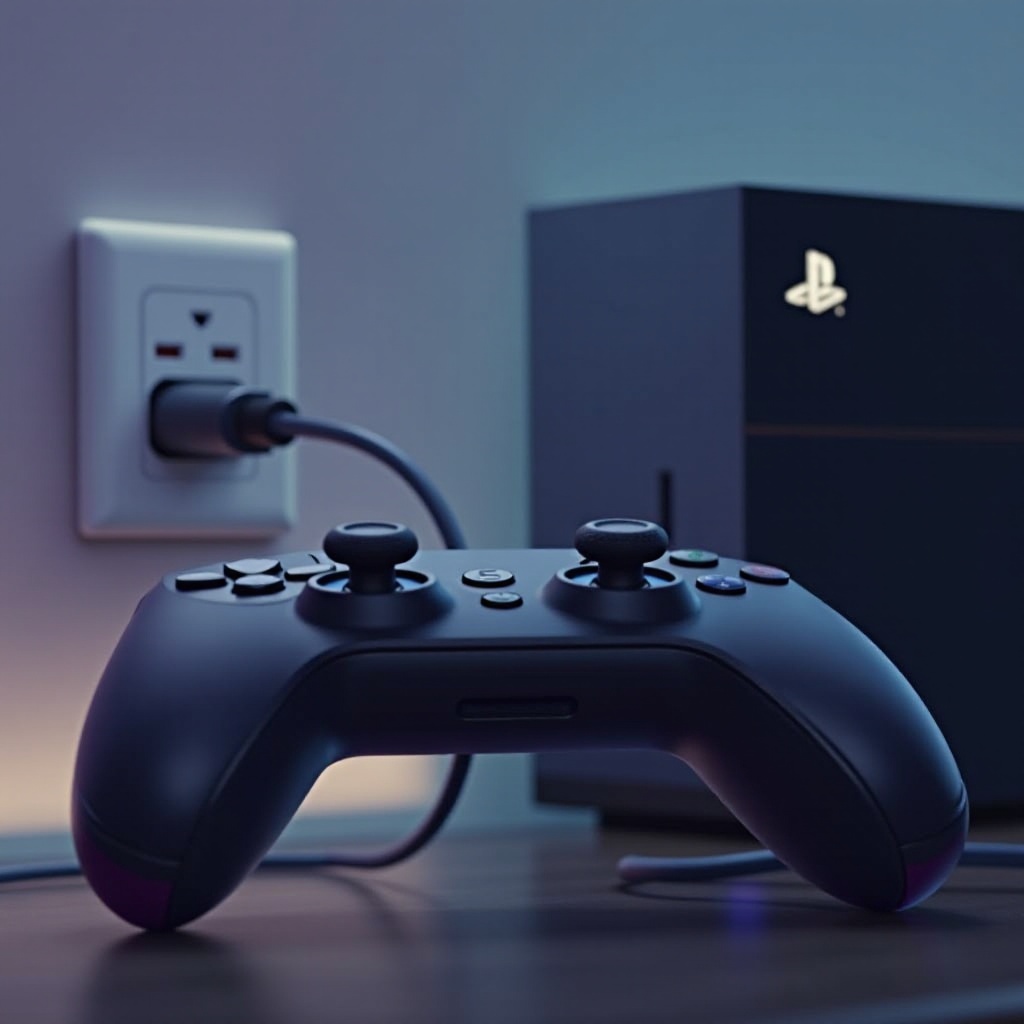
Although charging with a wall outlet is convenient, exploring other options can optimize your gaming setup. Consider these alternative methods:
- Charging with the PS5 Console:
- Use the console’s USB ports for charging during gameplay.
-
Ensures constant power supply while the console remains on.
-
Using a Charging Dock:
- Facilitates simultaneous charging for multiple controllers.
-
Organizes and readies your controllers for immediate use.
-
Portable Charging Solutions:
- Power banks enable on-the-go charging, ideal for travel or events.
- Confirm compatibility with USB-C connections and adequate power output.
Evaluating these options can help you identify the optimal strategy that aligns with your gaming routine and resource availability.
Best Practices for Maintaining PS5 Controller Battery Life
Ensuring long-term use and reliability of your controller’s battery requires these best practices:
- Regular charging prevents full battery drainage.
- Store the controller in a cool, dry environment to forestall hardware issues.
- Employ ‘rest mode’ on your console for ongoing battery upkeep during inactivity.
Applying these habits aids in sustaining your controller’s prime condition for extended durations.

Conclusion
Charging your PS5 controller using a wall outlet is a convenient choice that, when executed correctly, boosts efficient gaming sessions. Comprehending the necessary equipment, adhering to safety protocols, and considering alternative charging routes are pivotal steps to keep your controller ready for action. Implementing these strategies will enhance your gaming setup and extend the controller’s battery life.
Frequently Asked Questions
Can I use any USB-C cable to charge my PS5 controller with a wall outlet?
Though physically compatible, it’s meant to utilize the manufacturer-provided USB-C cable or certified alternatives for optimal charging safety.
How long does it take to fully charge a PS5 controller using a wall outlet?
Depending on the power adapter’s output and initial battery level, full charging typically requires two to three hours.
Will charging my PS5 controller with a wall outlet void the warranty?
Utilizing a wall outlet does not void the warranty, provided you follow guidelines and use approved, compatible accessories as per Sony’s requirements.